
Rastlinkovo · Existing-store optimization
Optimizing an online store already in full operation.
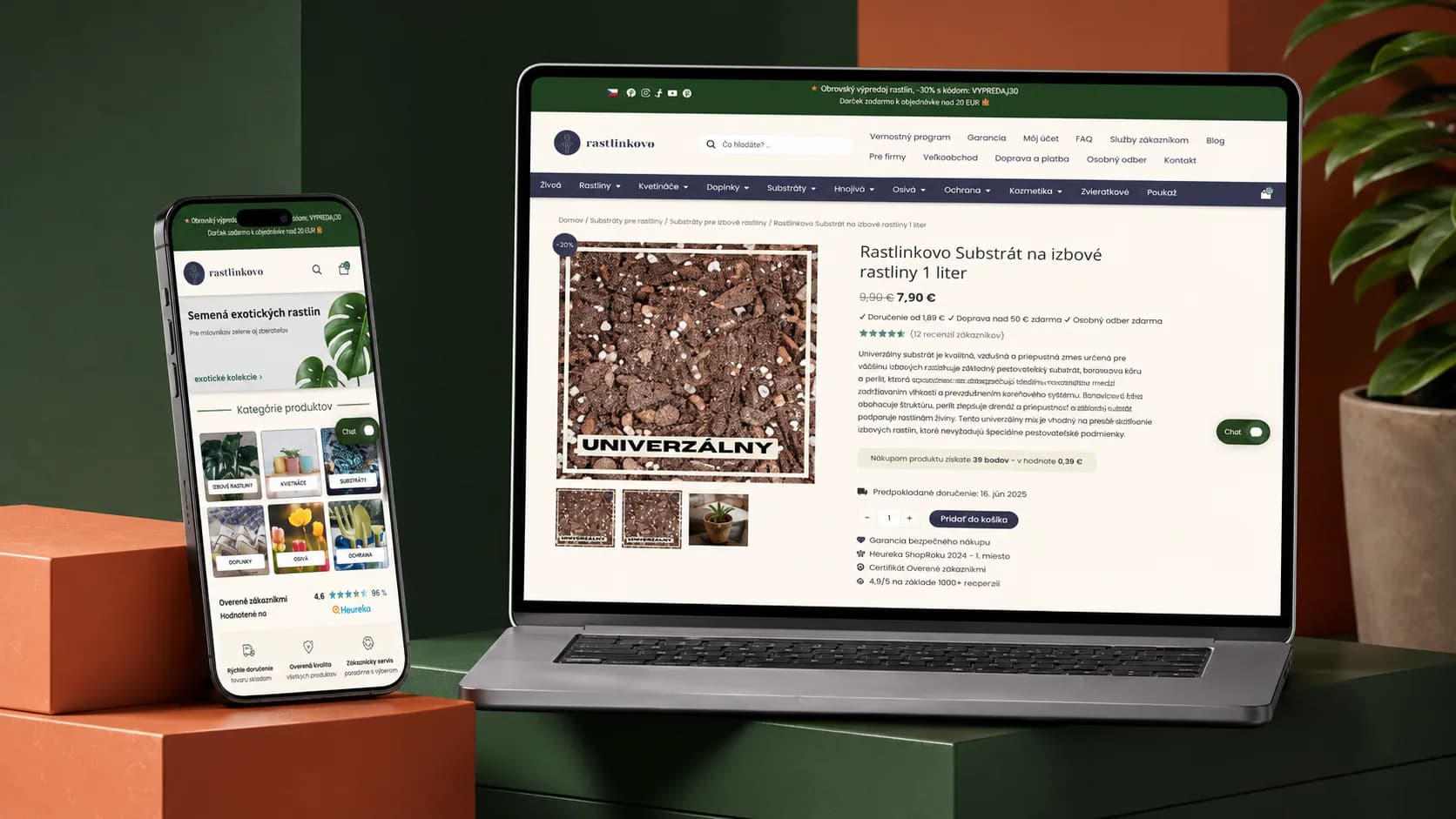
We did not build Rastlinkovo from scratch. In the existing live WooCommerce store, we focused on performance, bug fixes, and selected interface refinements.
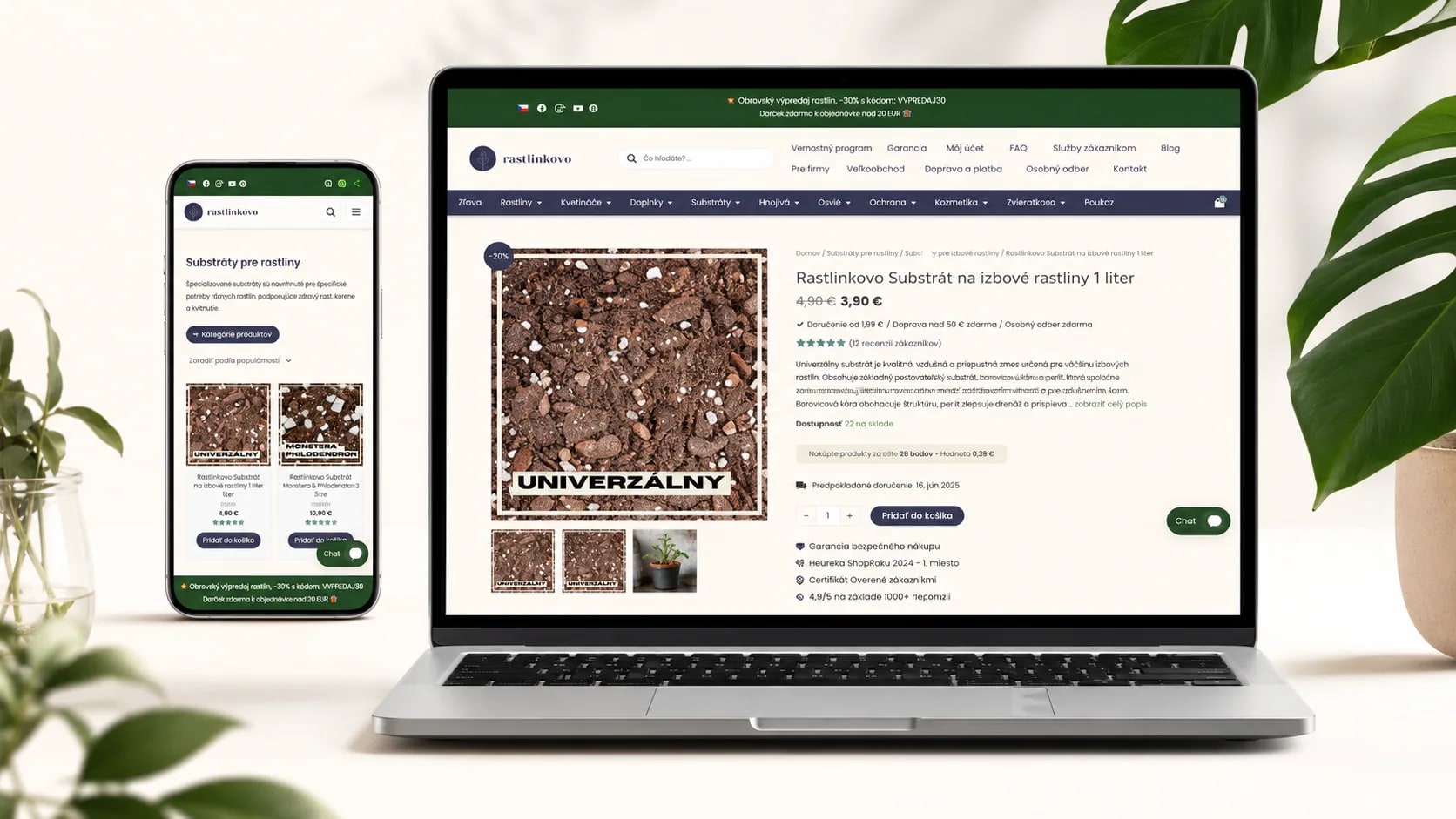
Shopping journey
We optimized the journey as one connected whole.
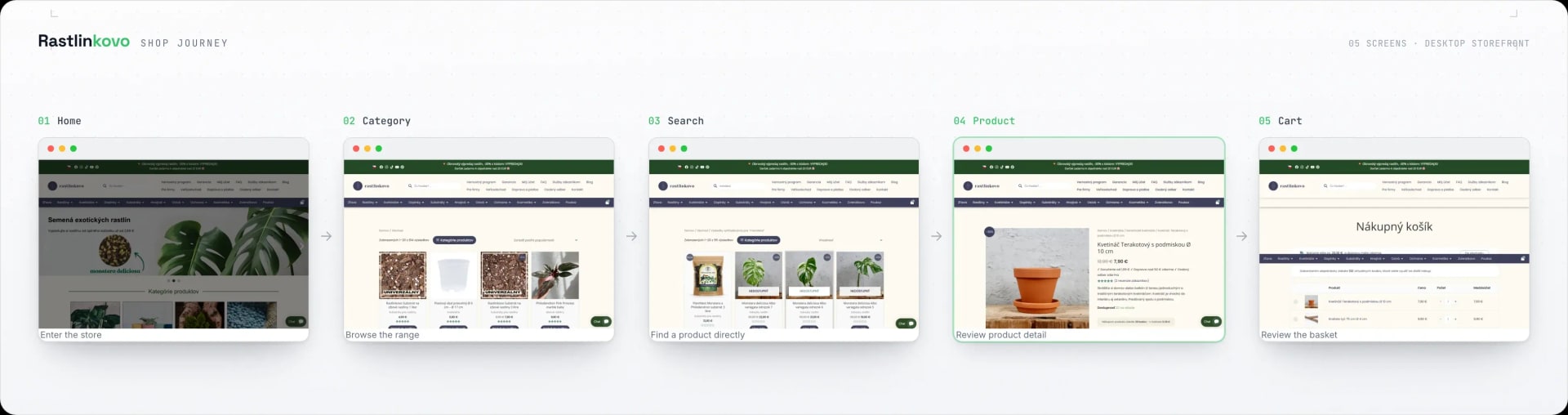
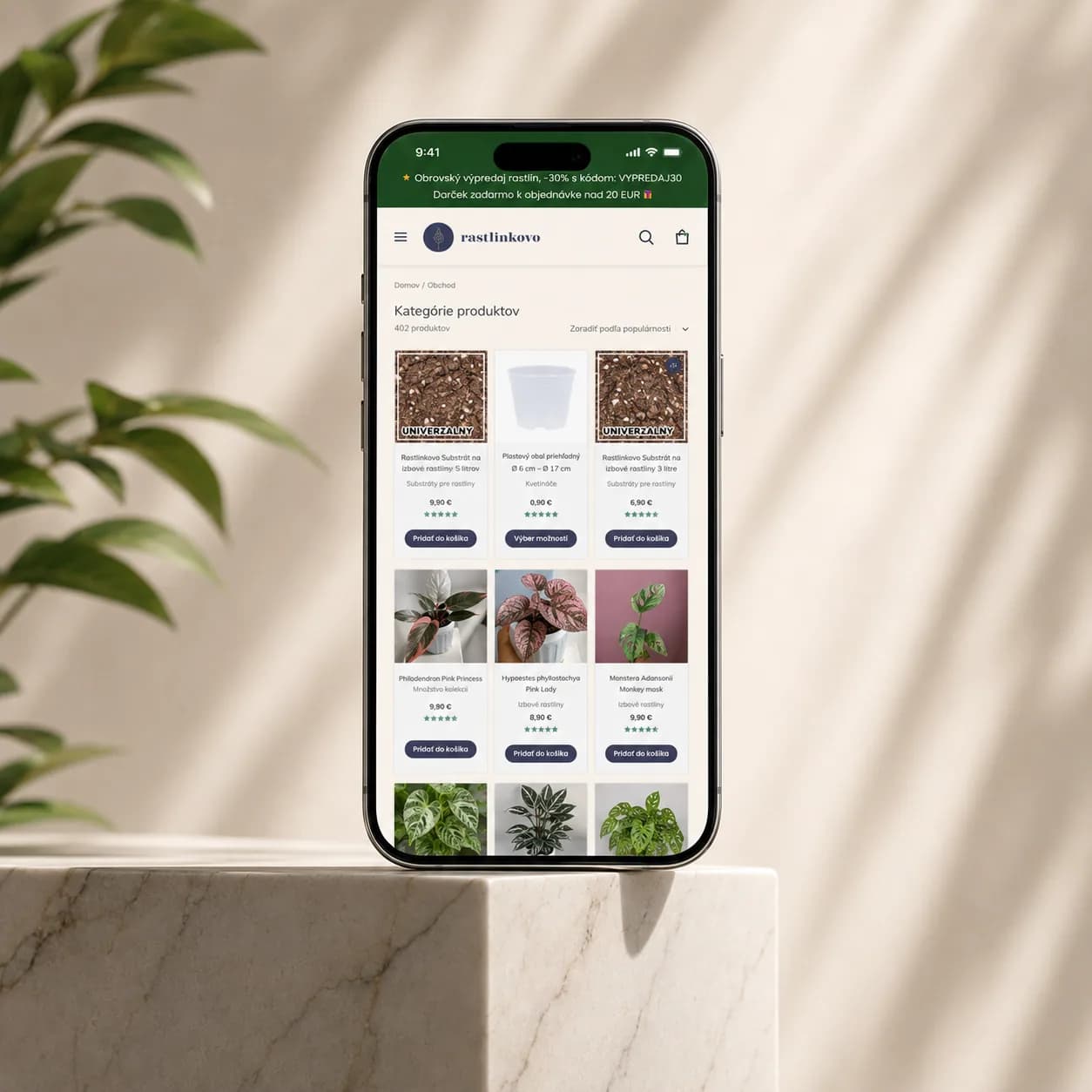
We did not assess performance or bugs on a single screen. We followed how people move from the store entrance through the catalogue and search to product detail and cart.
Scroll the diagram sideways.
- 01
Home
The store entrance and the first decision about where to continue.
- 02
Category
Browsing the range and comparing products, then the step into detail.
- 03
Search
A direct path to a specific product without browsing categories.
- 04
Product
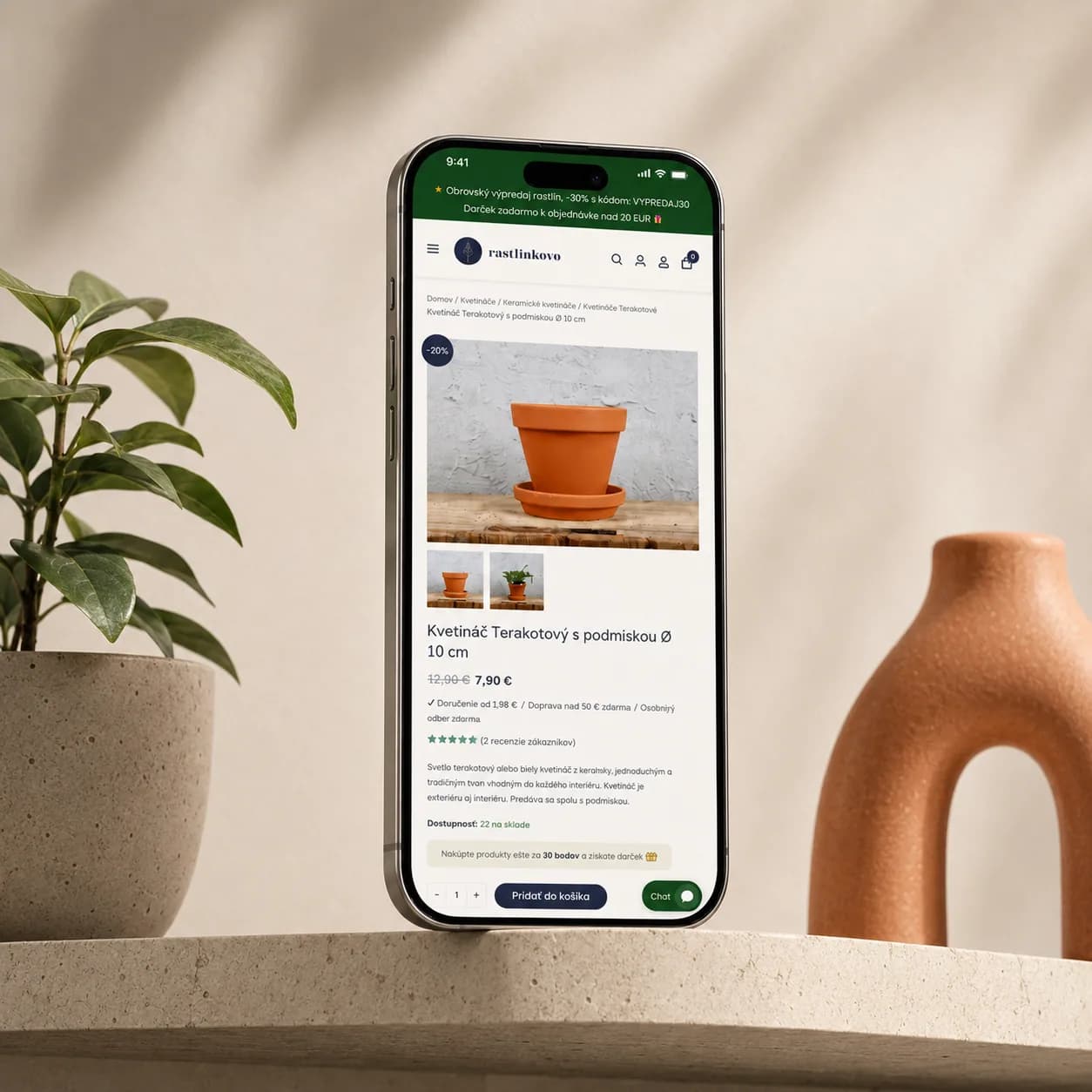
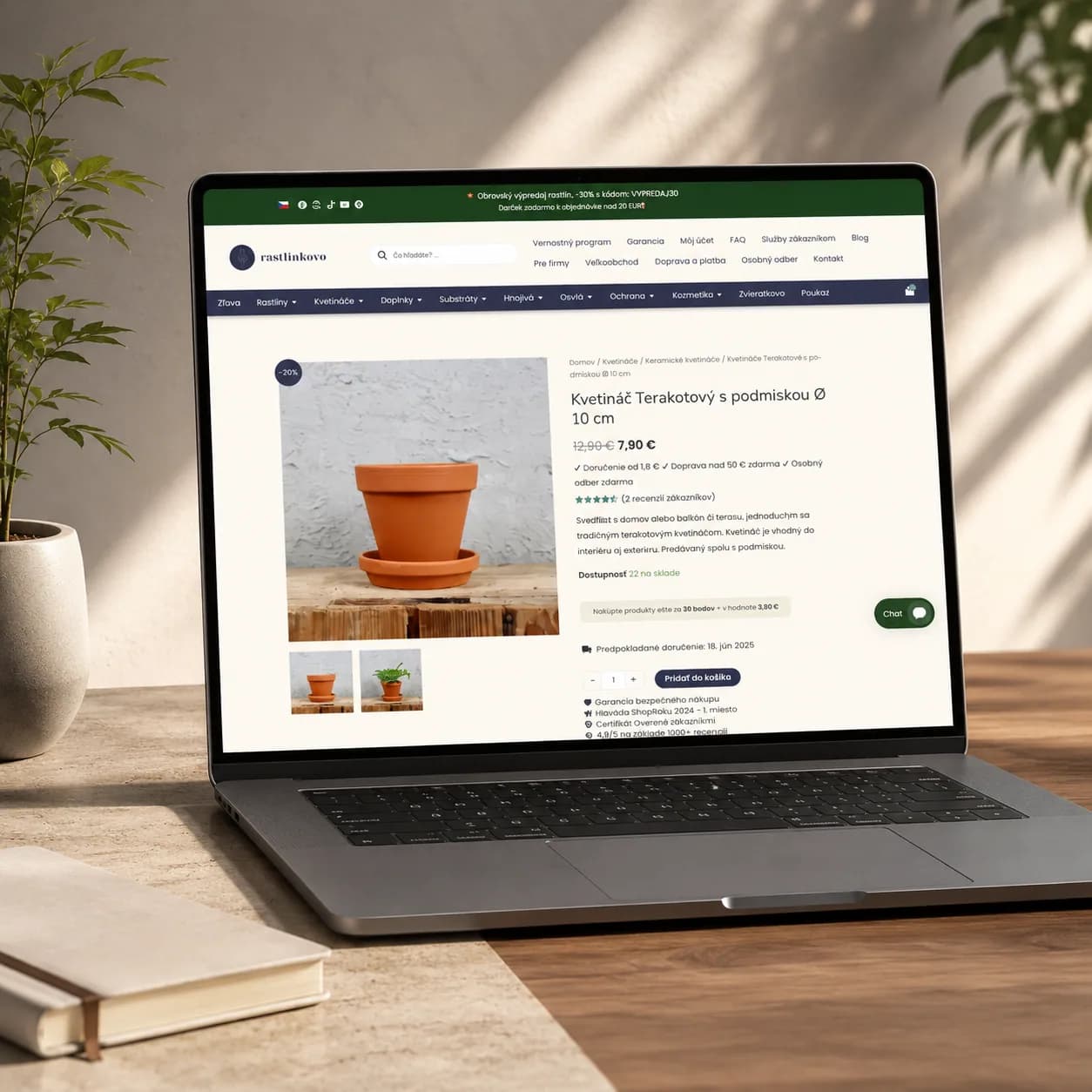
Information and price at the key decision point, with the purchase action beside them.
- 05
Cart
Reviewing the selection before continuing with the order.
Information
- Problem addressed
- Performance, defects and selected interface areas in an existing WooCommerce store.
- Available evidence
- Named client and a description of the work performed. We do not publish a comparable before-and-after performance measurement.
- Our role
- We did not build the shop. We came into a working WooCommerce store for performance, then fixed bugs and adjusted selected parts of the interface.
- Context
- Live store during the work
Technology
- WordPress
- WooCommerce
- PHP
- MySQL
What you will learn
- 01How to trace the full shopping journey before changing code.
- 02Why performance must be traced across the interface, WooCommerce, runtime, and data.
- 03How to prioritize interventions by user impact rather than visibility.
- 04How to verify a small change across the affected flow on mobile and desktop.
01
Understand first, then change
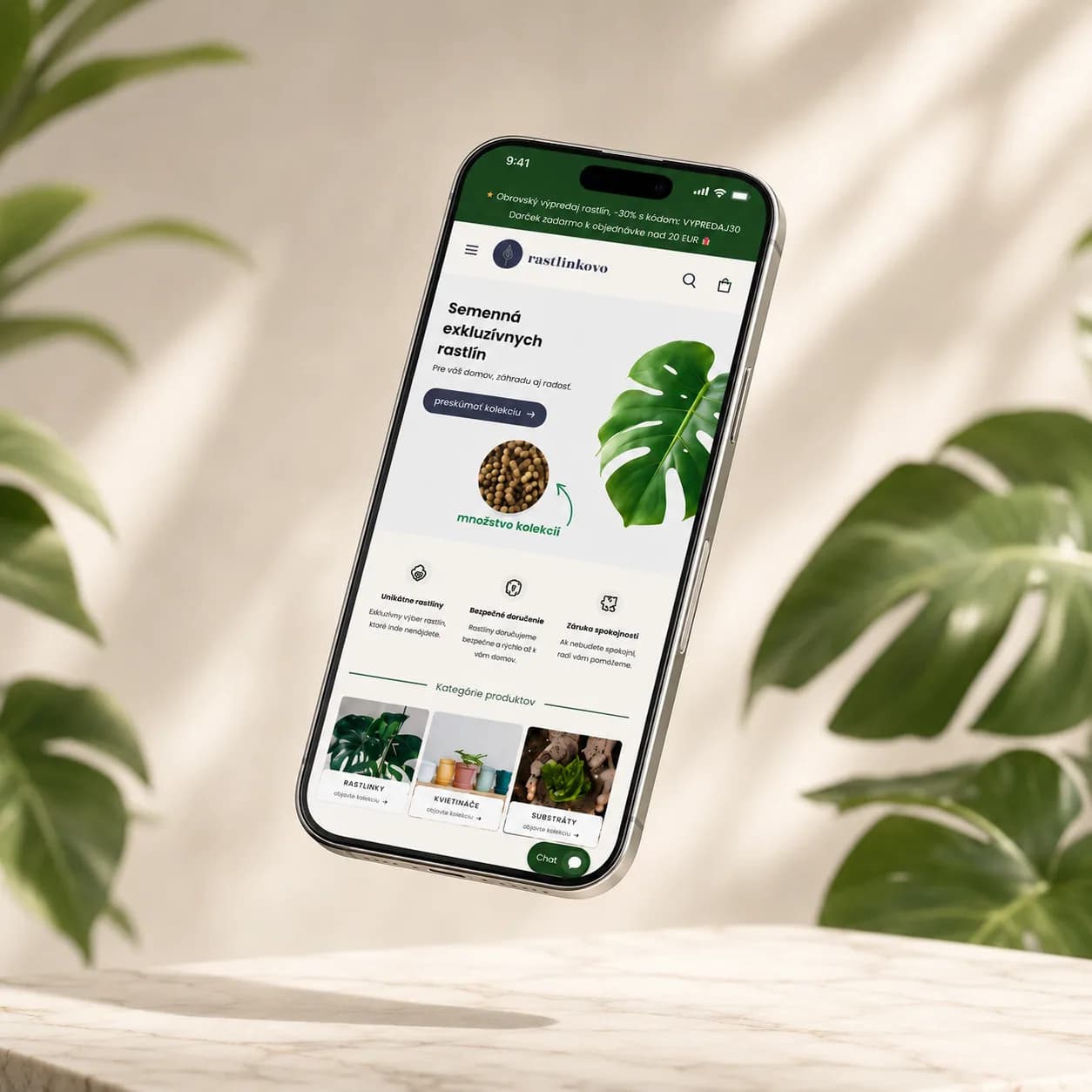
Rastlinkovo was already trading with a catalogue, search, product pages and a cart. We traced the shopping journey, reproduced reported issues and mapped their effects on the rest of the store.
“When optimizing an existing system, context is part of the solution.”


02
Performance is a connected-system problem
A slow screen rarely has its cause where you see it. The interface, WooCommerce logic, PHP, plugins, integrations and MySQL are one chain. So we optimised along the request flow, not one template.

03
Prioritize by user impact
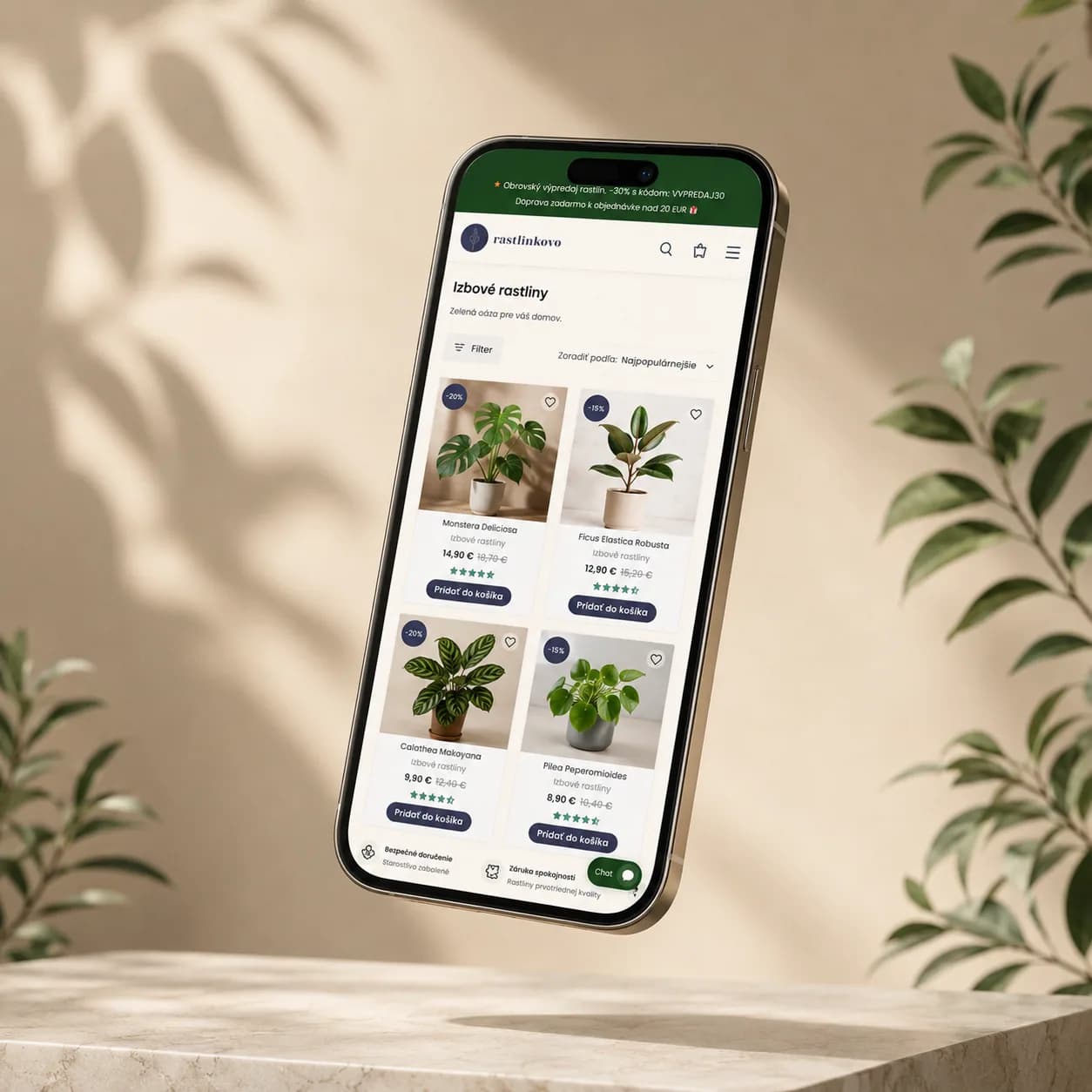
Top of the list went to anything that interrupted browsing or followed users between mobile and desktop. A visible detail did not automatically win. Impact and risk to the surrounding journey decided.
“Optimization is ordered by impact, not by what is most visible.”
04
Optimize and test, then verify
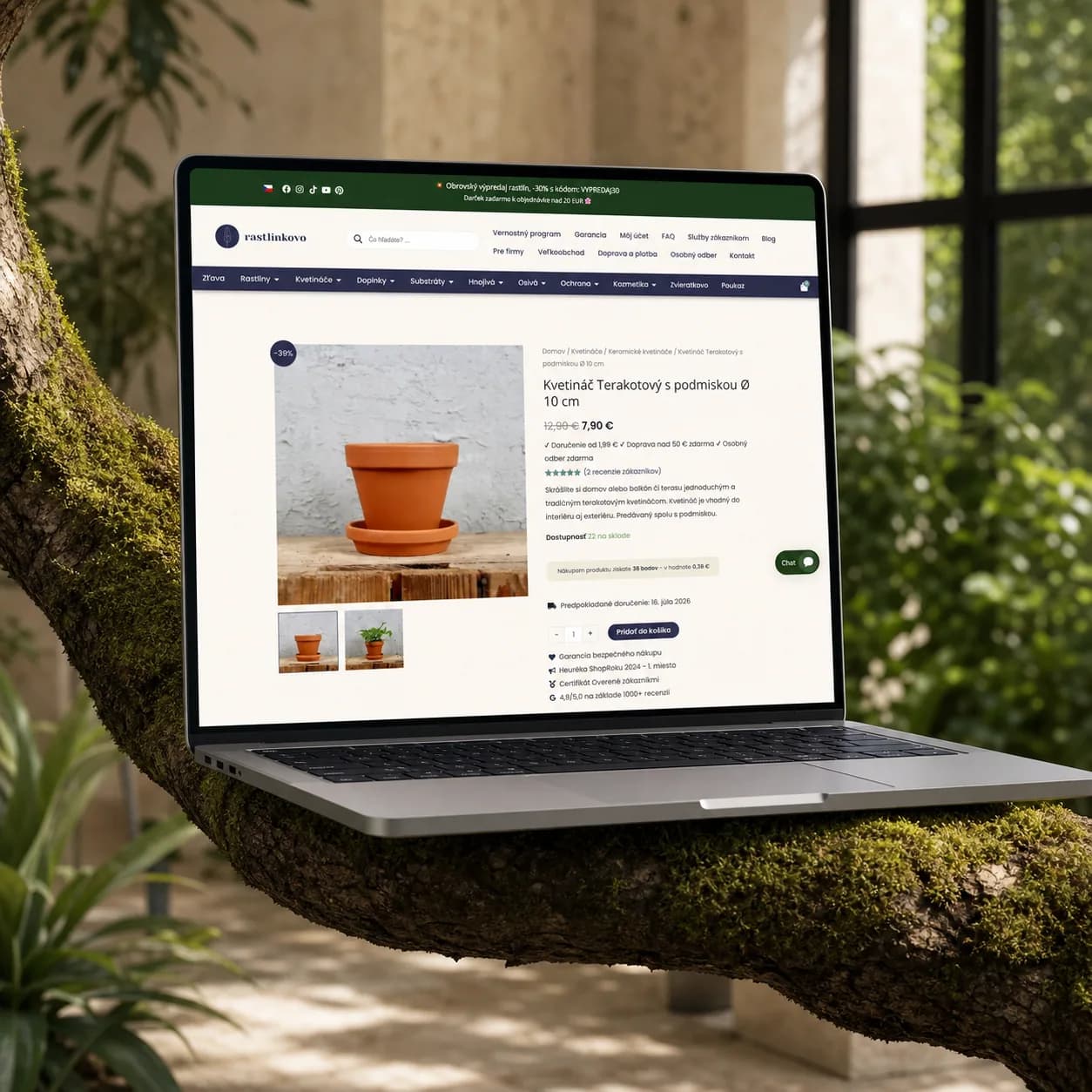
We reproduced the issue and set the scope before each change. After editing code or styles, we checked the affected flow at different screen sizes and followed its behaviour after release.
05
Improvement without a rewrite
Performance, behaviour and selected styles of the existing store improved. The shop kept running throughout.
Existing system architecture
Performance does not live in one layer.
Rastlinkovo is an existing WordPress and WooCommerce store. To find causes, we therefore read the interface, commerce logic, PHP runtime, integrations, and data as one connected system.
How we found the cause
Reproduce it first
We inspected the existing path and reproduced the concrete issue.
Measure before guessing
We measured behaviour and separated the symptom from the likely cause.
Impact set the order
We ordered interventions by their impact on the shopping journey.
A small, safe change
We chose the smallest safe change in code or styles.
The whole shopping journey
We tested the change in the surrounding flow and across widths.
Check again after release
After release, we verified the resulting behaviour in its live context.
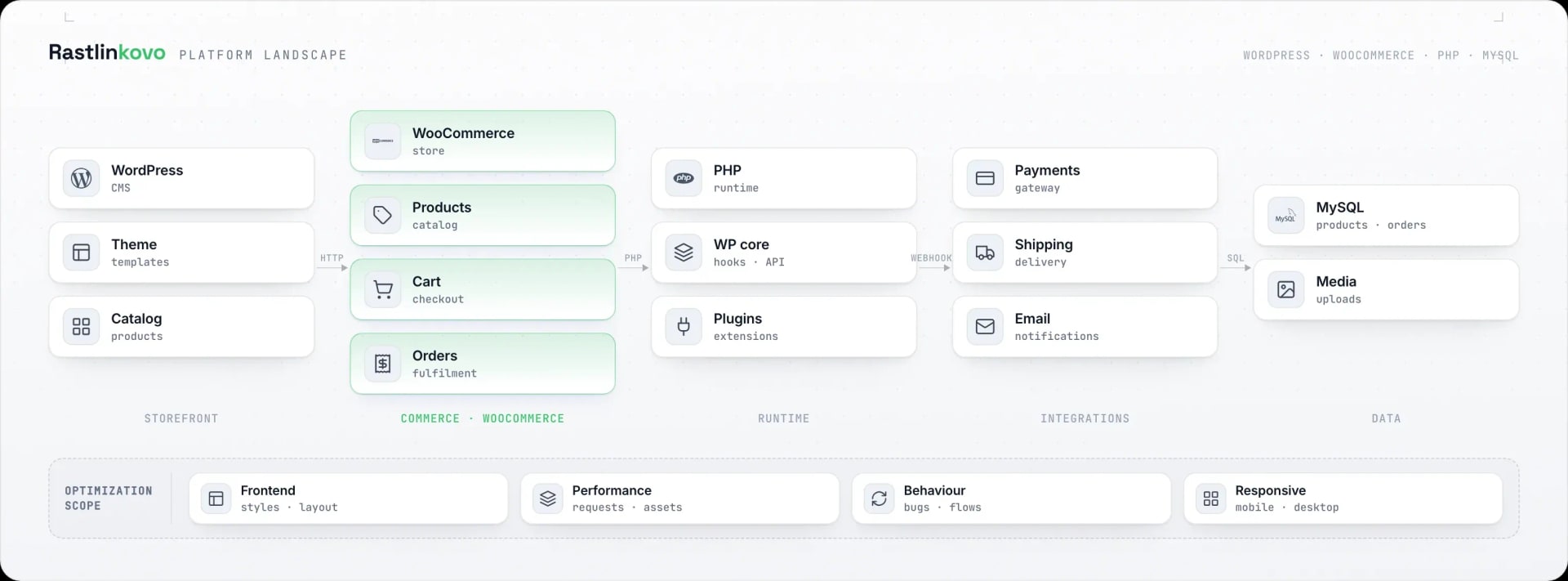
Scroll the diagram sideways.
- 01
Storefront
Theme, templates, catalogue, and the interface people directly experience.
- 02
Commerce
WooCommerce connects products and the cart to the ordering process.
- 03
Runtime
PHP, WordPress core, hooks, and plugins execute application logic.
- 04
Integrations
Payment and delivery extend the flow beyond the storefront, and notifications go with them.
- 05
Data
MySQL and media hold product and order state, and the content with it.
Quality control
A small change, a complete control loop.
In a live store, fixing an isolated line is not enough. We kept the scope narrow and checked the result across the affected journey, on mobile and on desktop, then again after release.
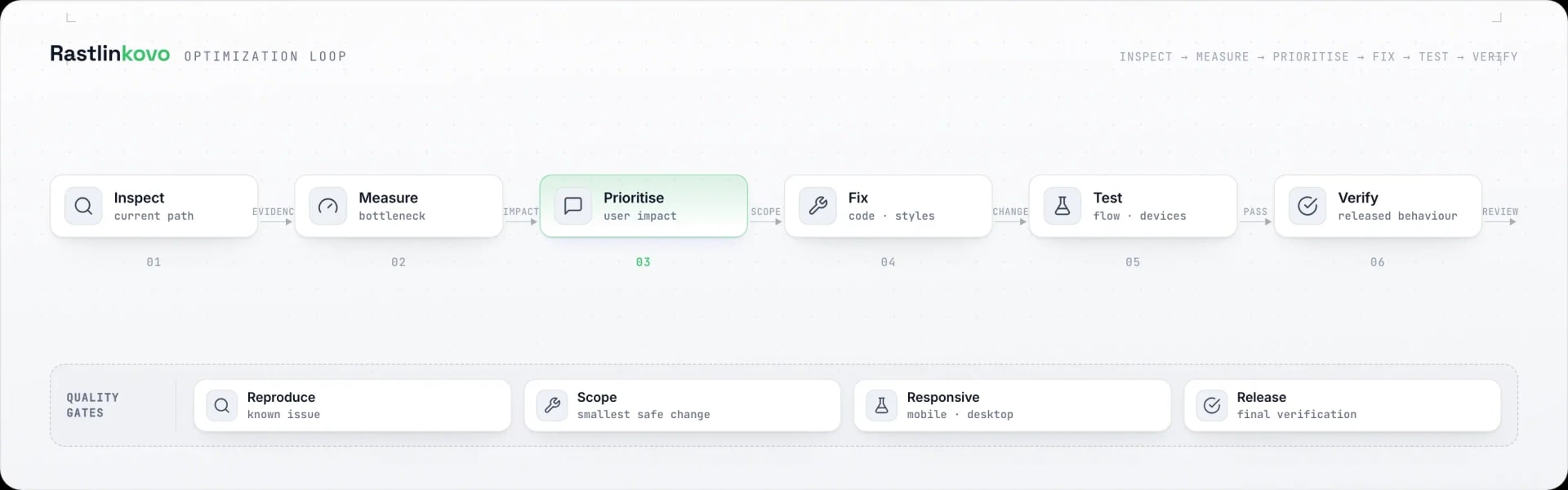
Scroll the diagram sideways.
- 01
Reproduce
First confirm the known issue in the real user journey.
- 02
Scope
Choose the smallest safe change without unnecessary adjacent work.
- 03
Responsive
Verify the affected journey in both mobile and desktop layouts.
- 04
Release
After the change, confirm the live store behaviour once more.