Product preview
Daily dashboard
Daily dashboard
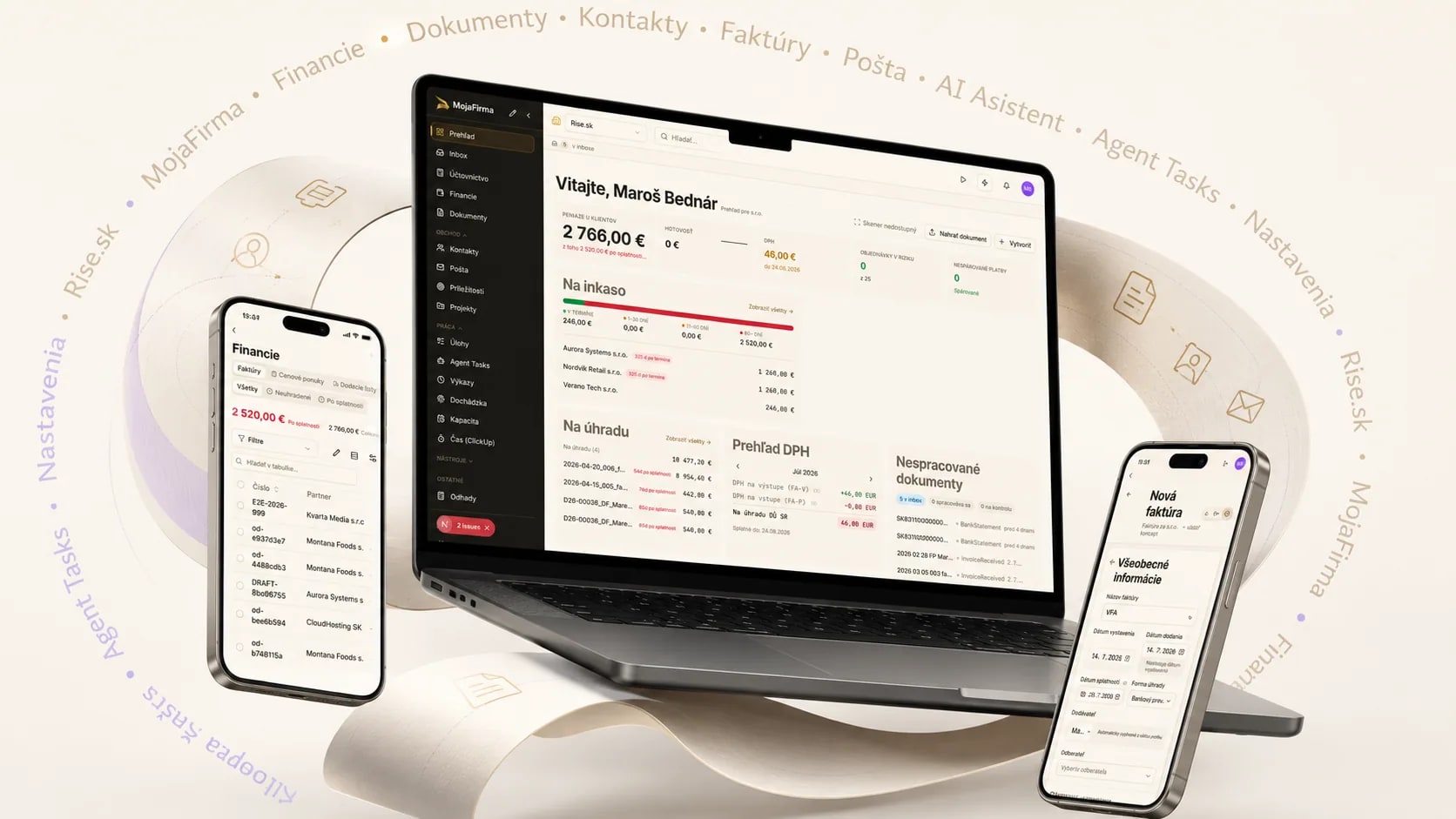
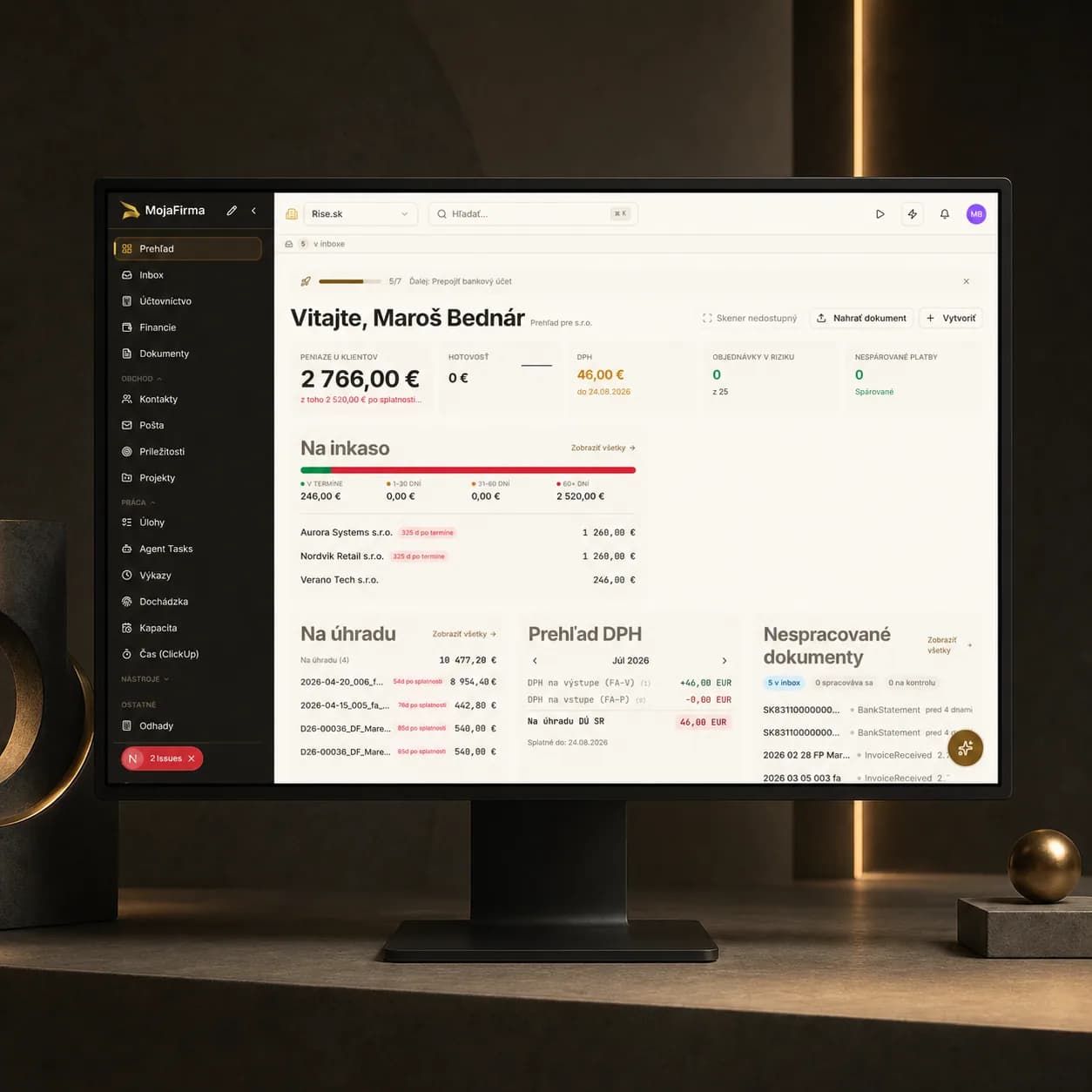
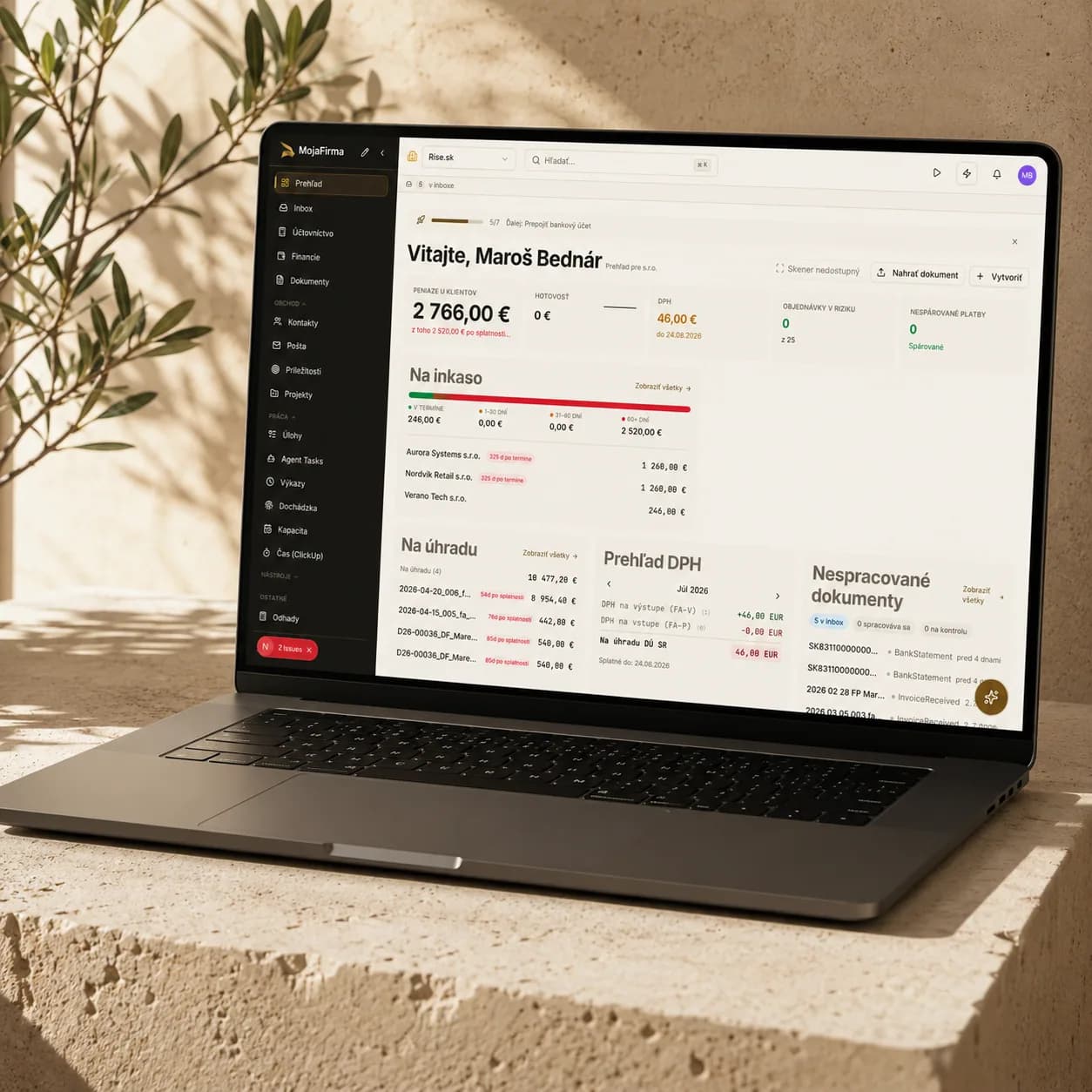
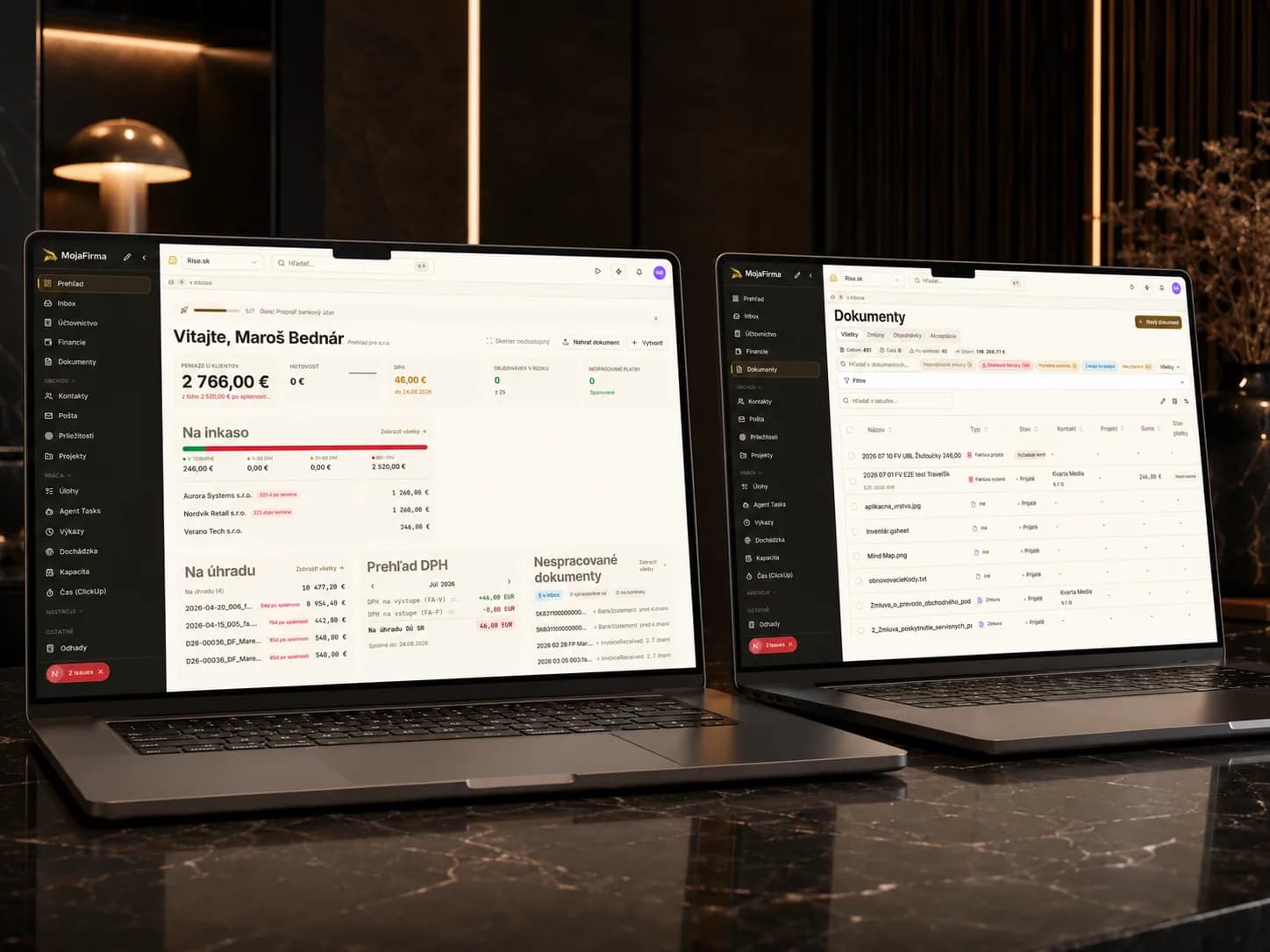
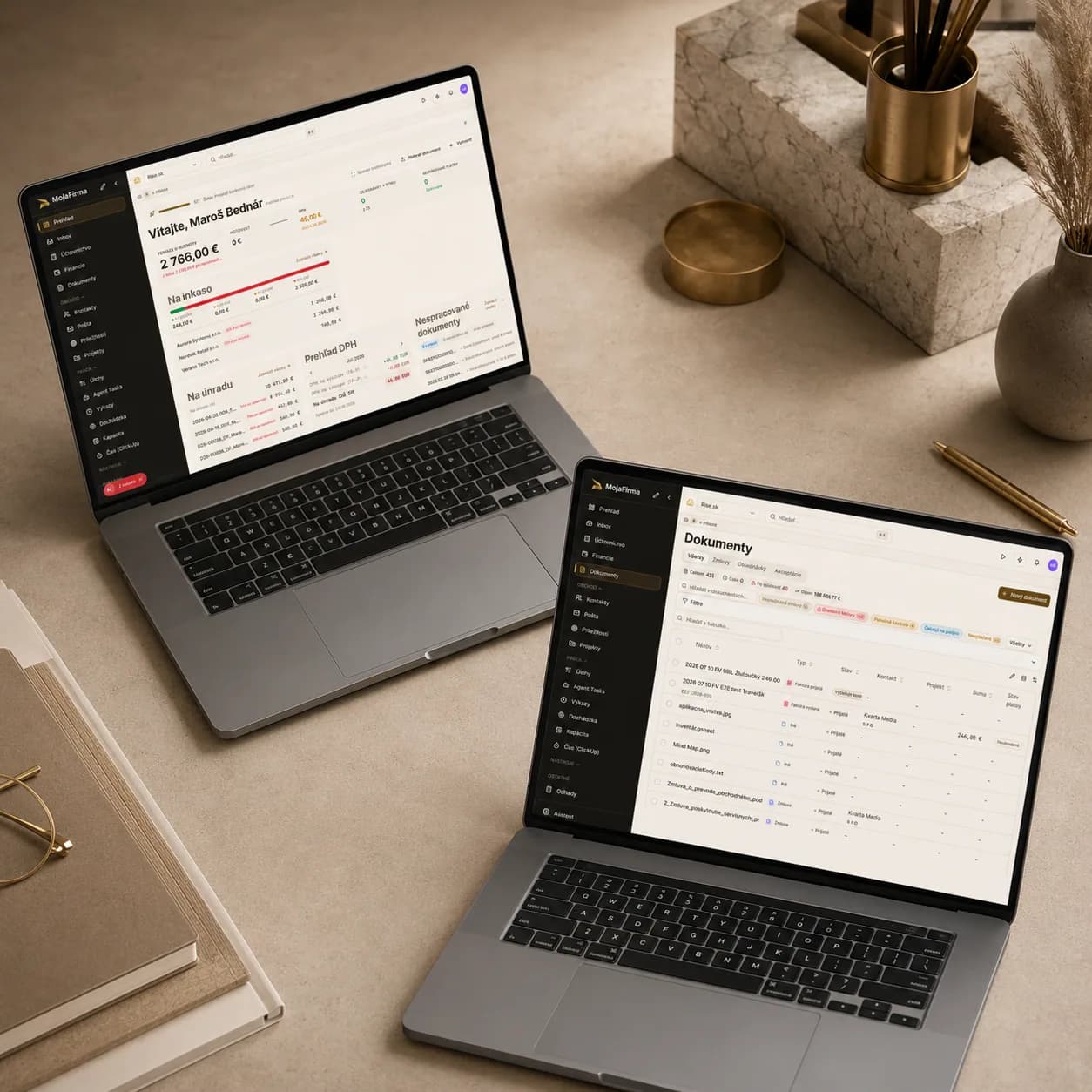
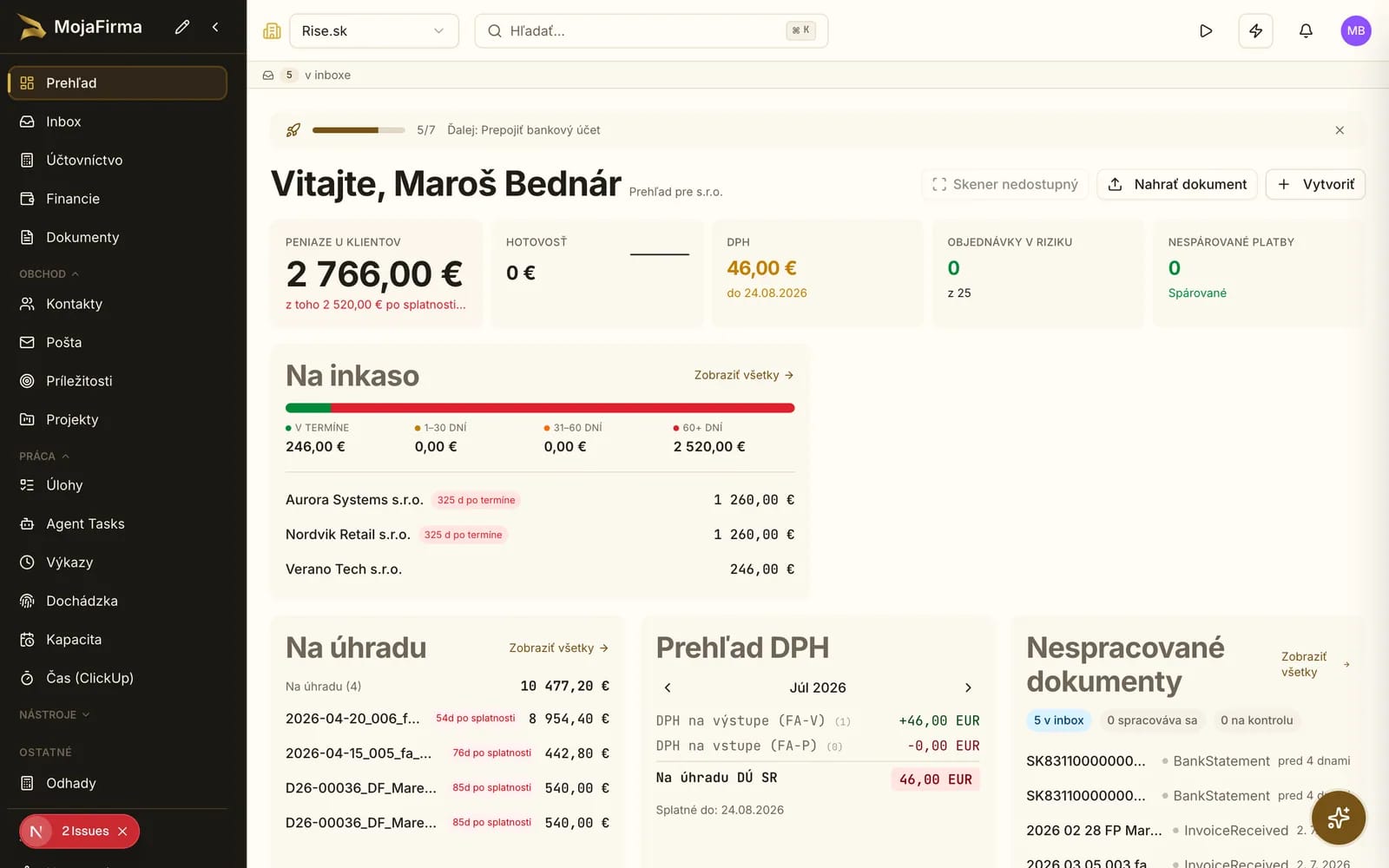
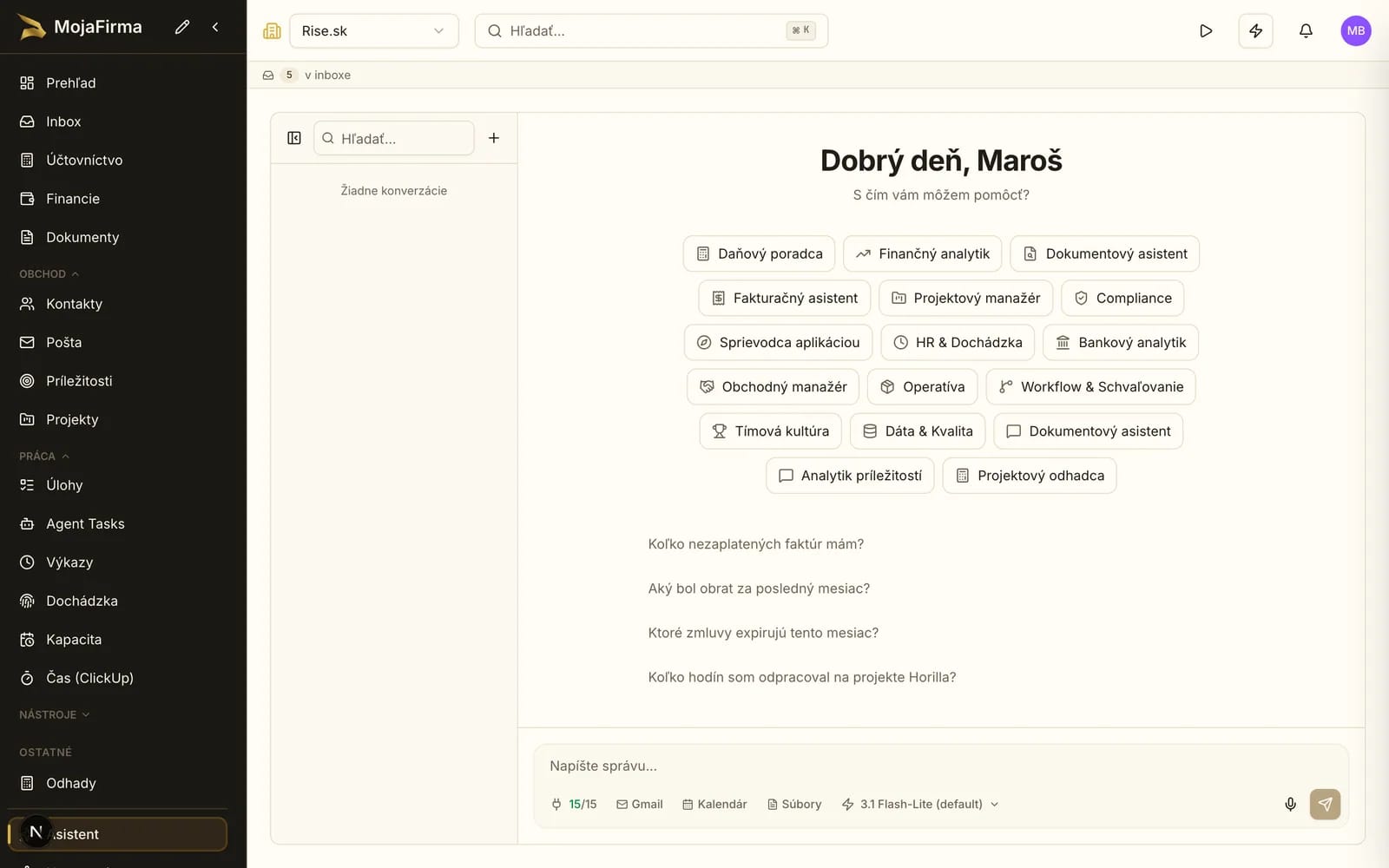
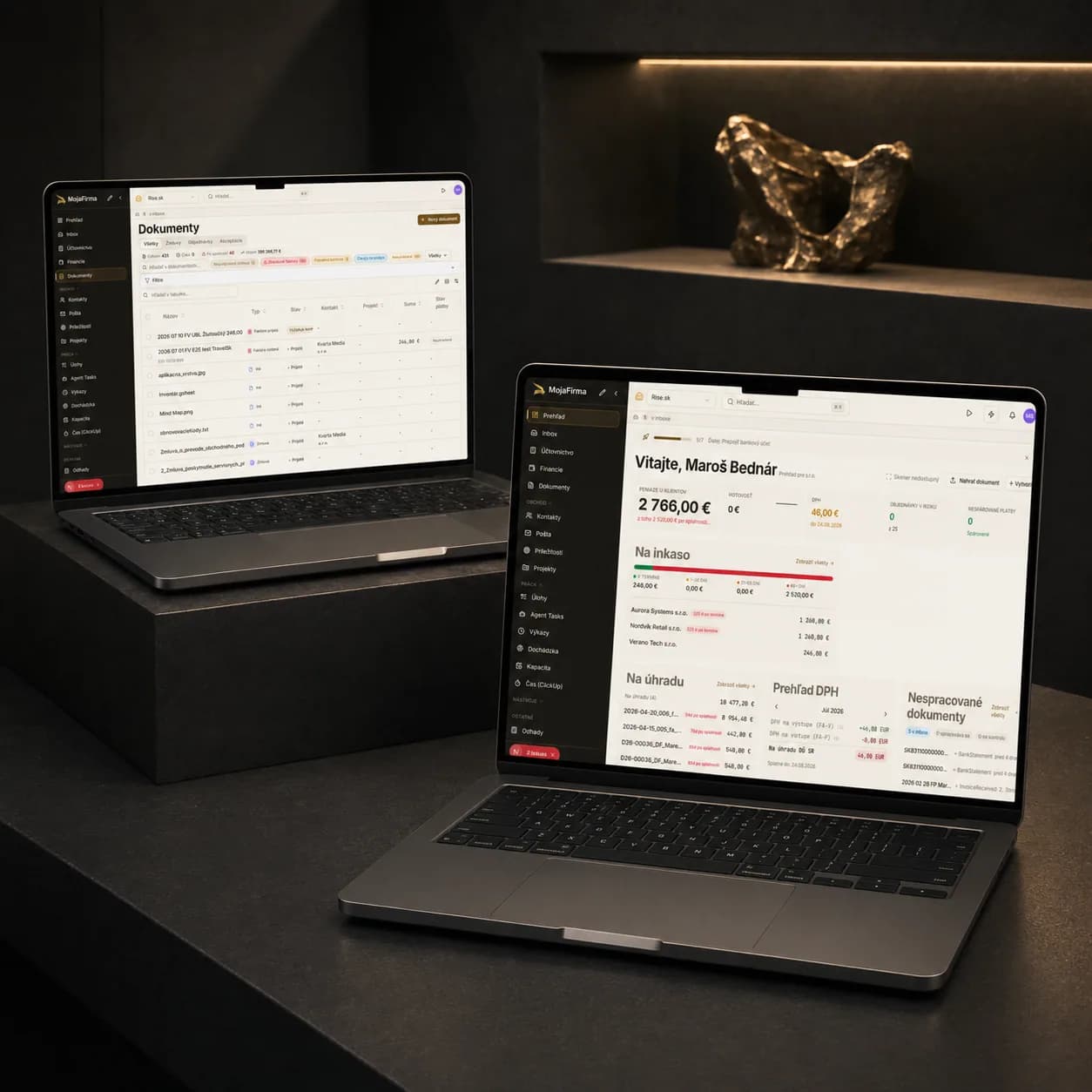
The dashboard pulls daily team operations into one place. It is the main screen for running the company agenda.
Product pilot
For finance and operations teams that need one working system for documents, invoices, and approvals.
Product preview
Daily dashboard
The dashboard pulls daily team operations into one place. It is the main screen for running the company agenda.
The product is built for teams that want to clean up documents, invoices, and internal admin workflows without opening a large ERP programme. We start where manual work and data retyping create the most friction.
Pilot-ready on one workflow
Access roles defined by scope
Integrations mapped to the process
Hosting and deployment agreed per scope
What the product solves
In the demo we can show where the product reduces manual re-entry, improves processing visibility, and keeps approvals in one working flow.
Documents, invoices, and supporting materials no longer depend on a broken chain of emails, spreadsheets, and tool switching.
Finance and operations teams can see what is waiting, what is approved, and where action is needed.
The product fits teams that need to know who decided, what changed, and what moved forward.
What we can show today
Daily dashboard
The dashboard pulls daily team operations into one place. It is the main screen for running the company agenda.
Document hub
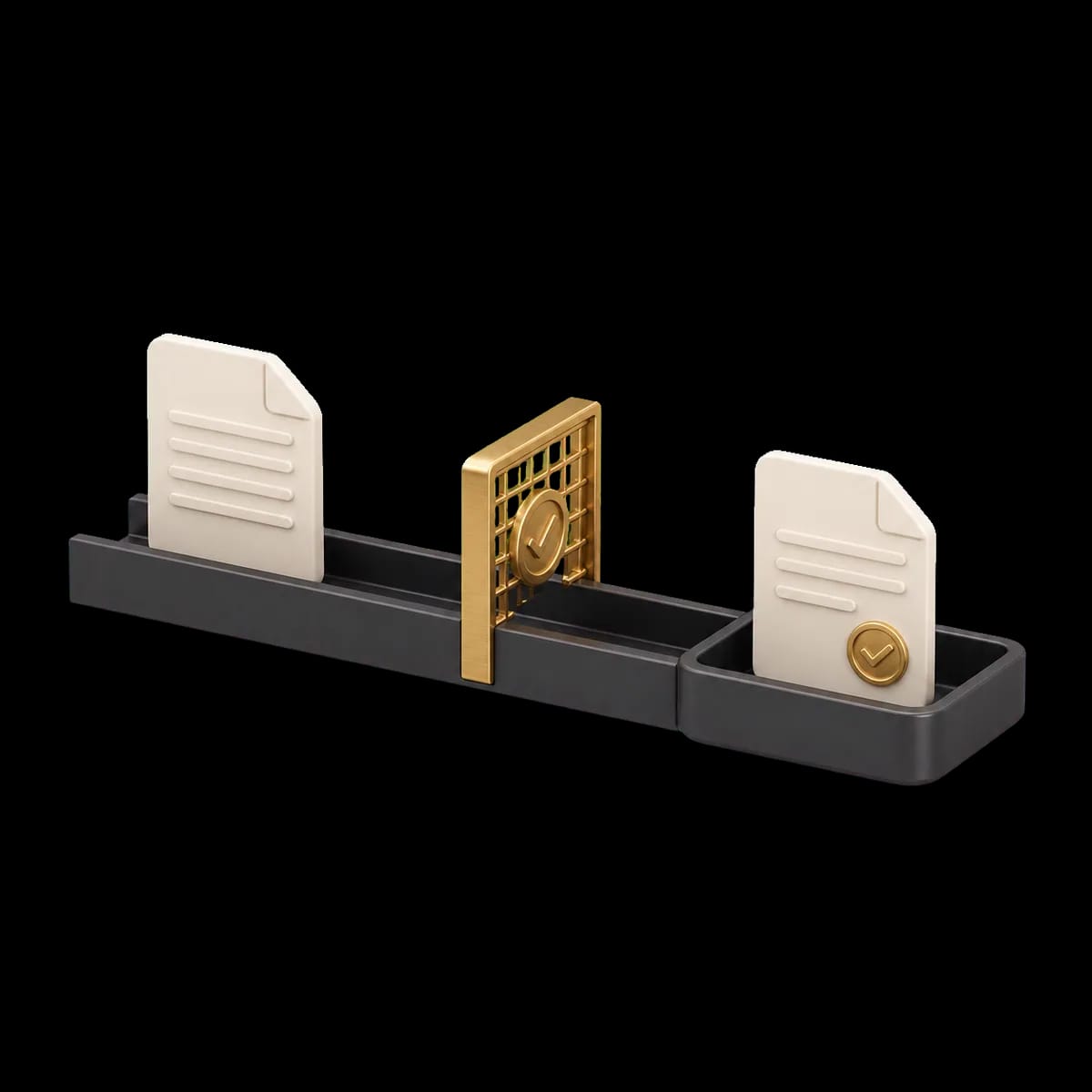
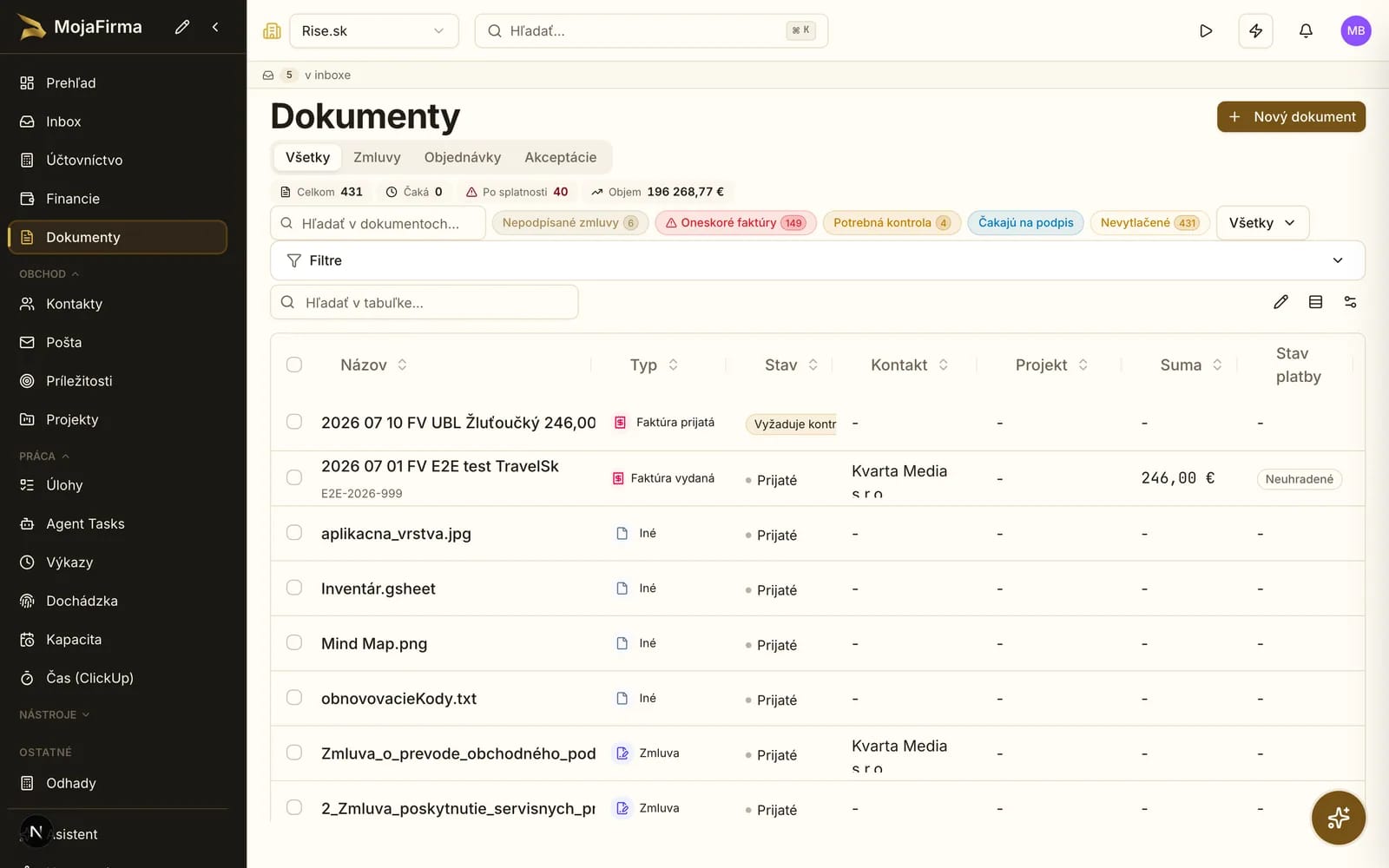
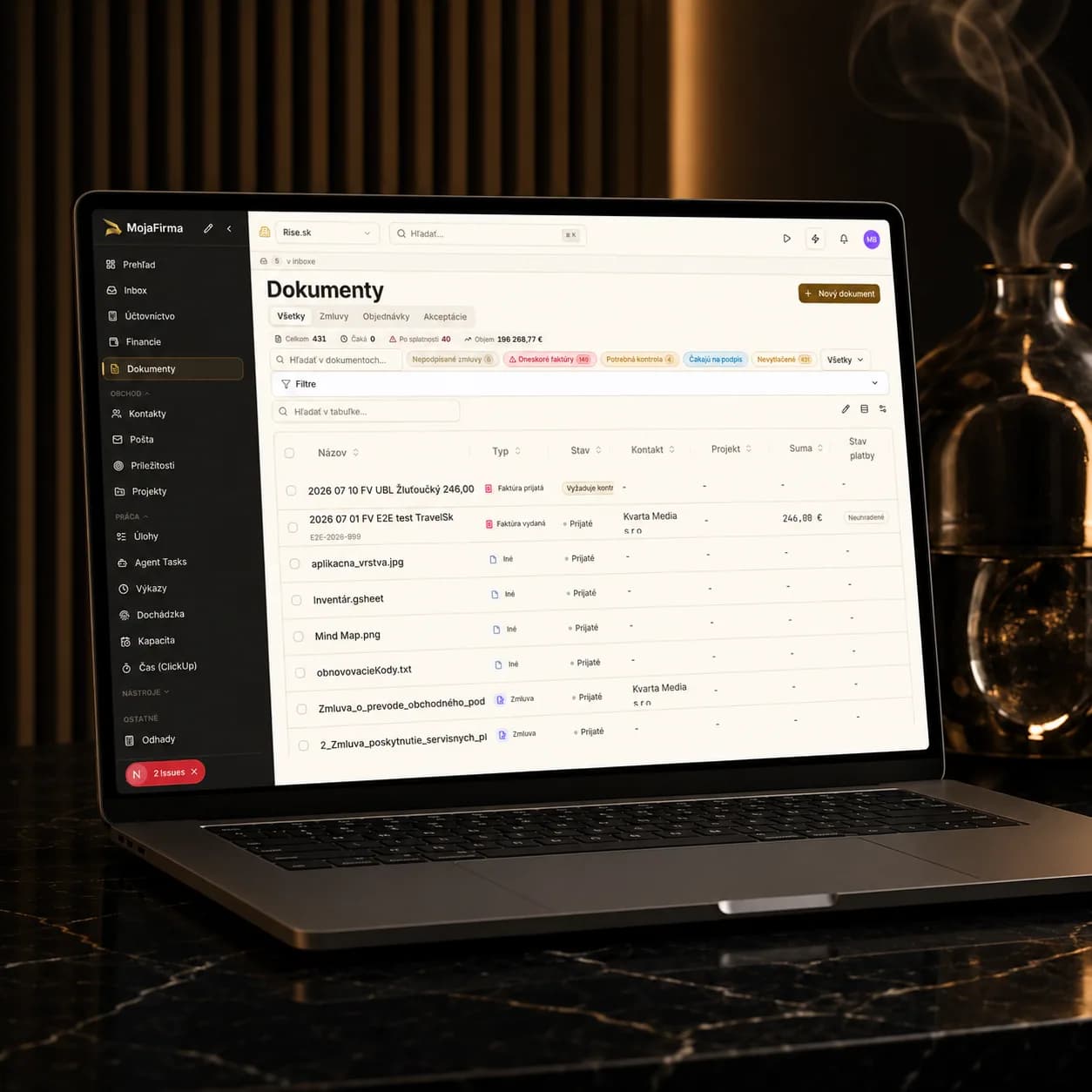
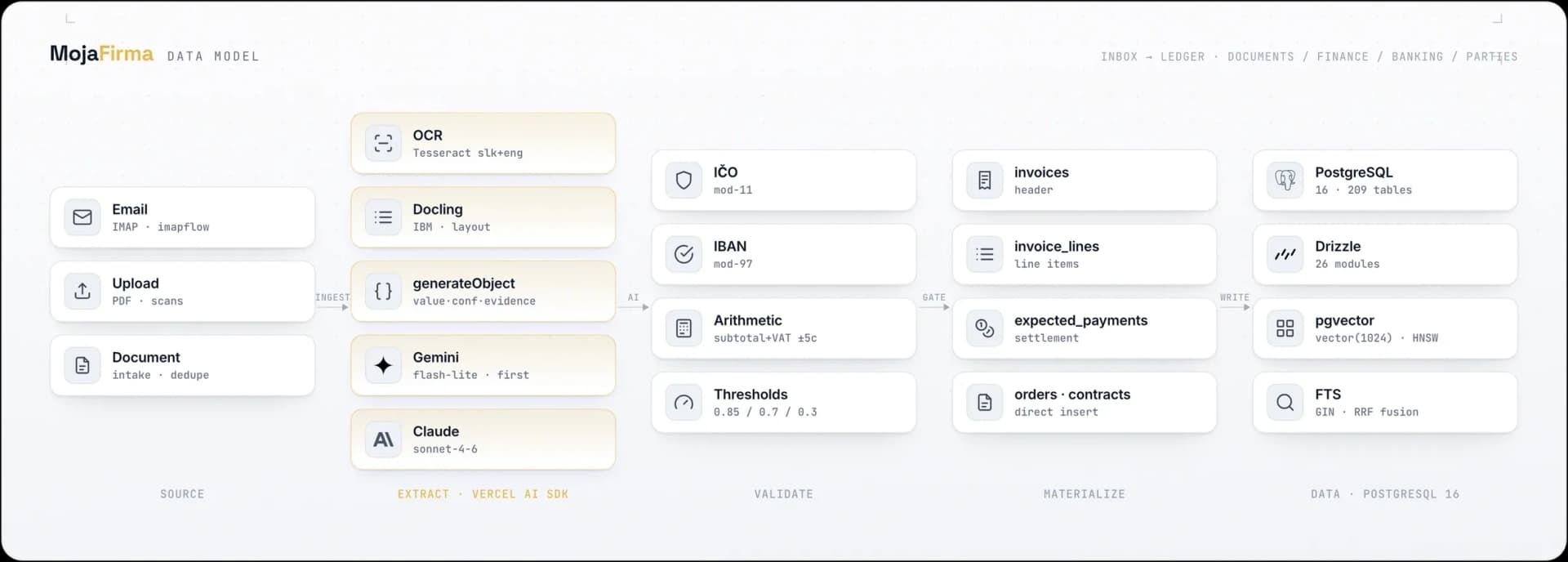
The document module is the core of the processing flow. This is where evidence, extraction, and follow up workflow meet.
Invoices and finance ops
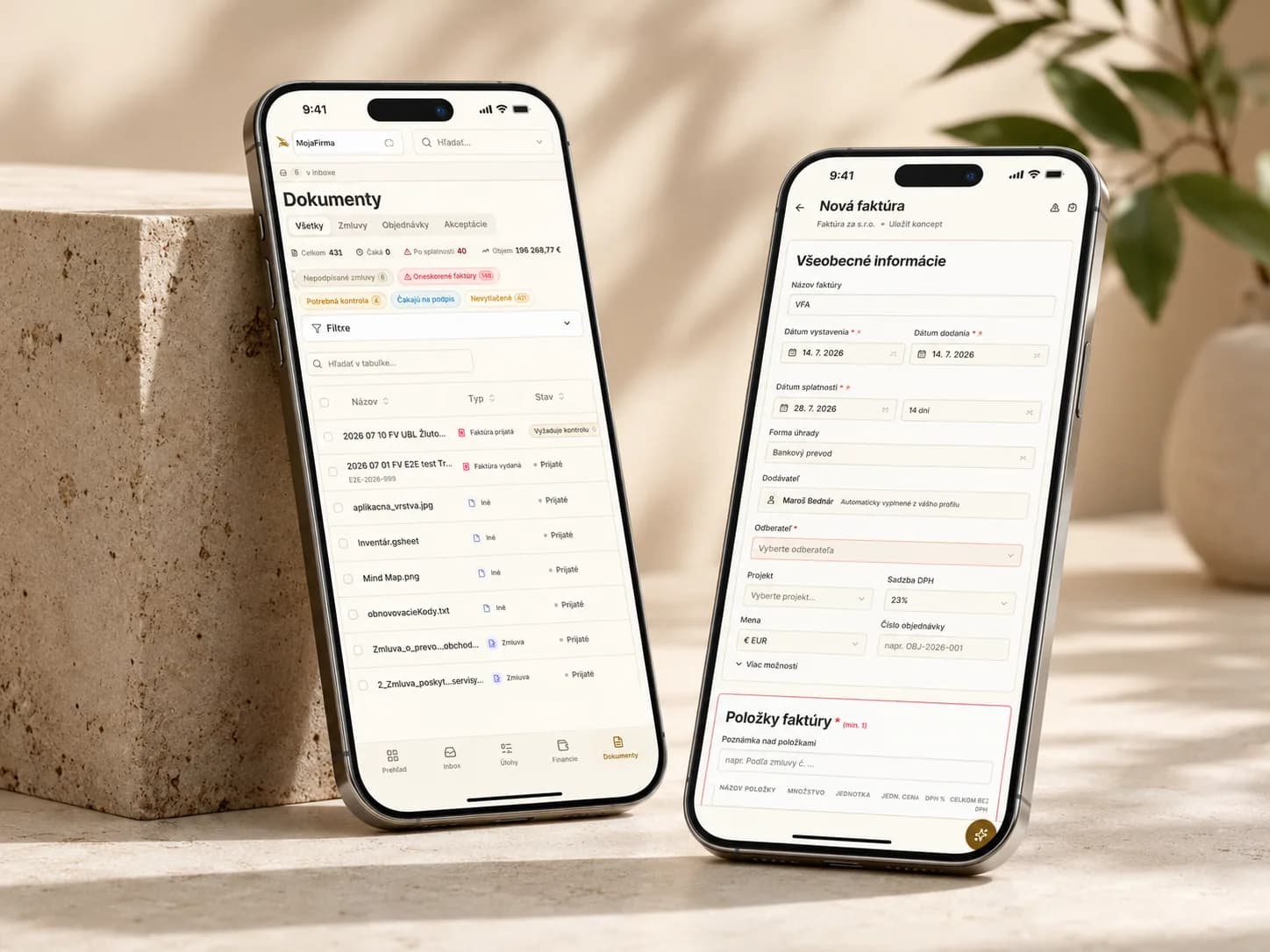
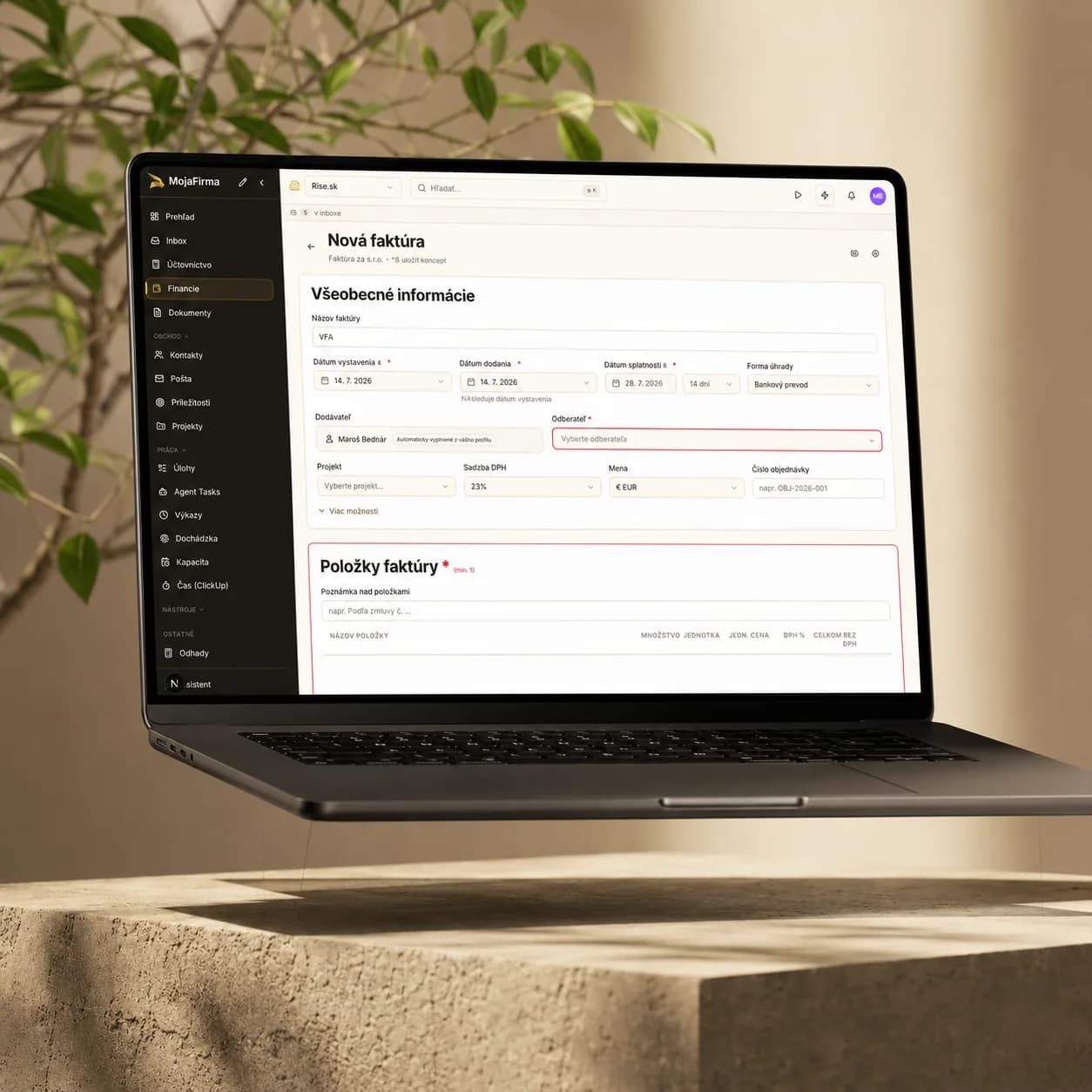
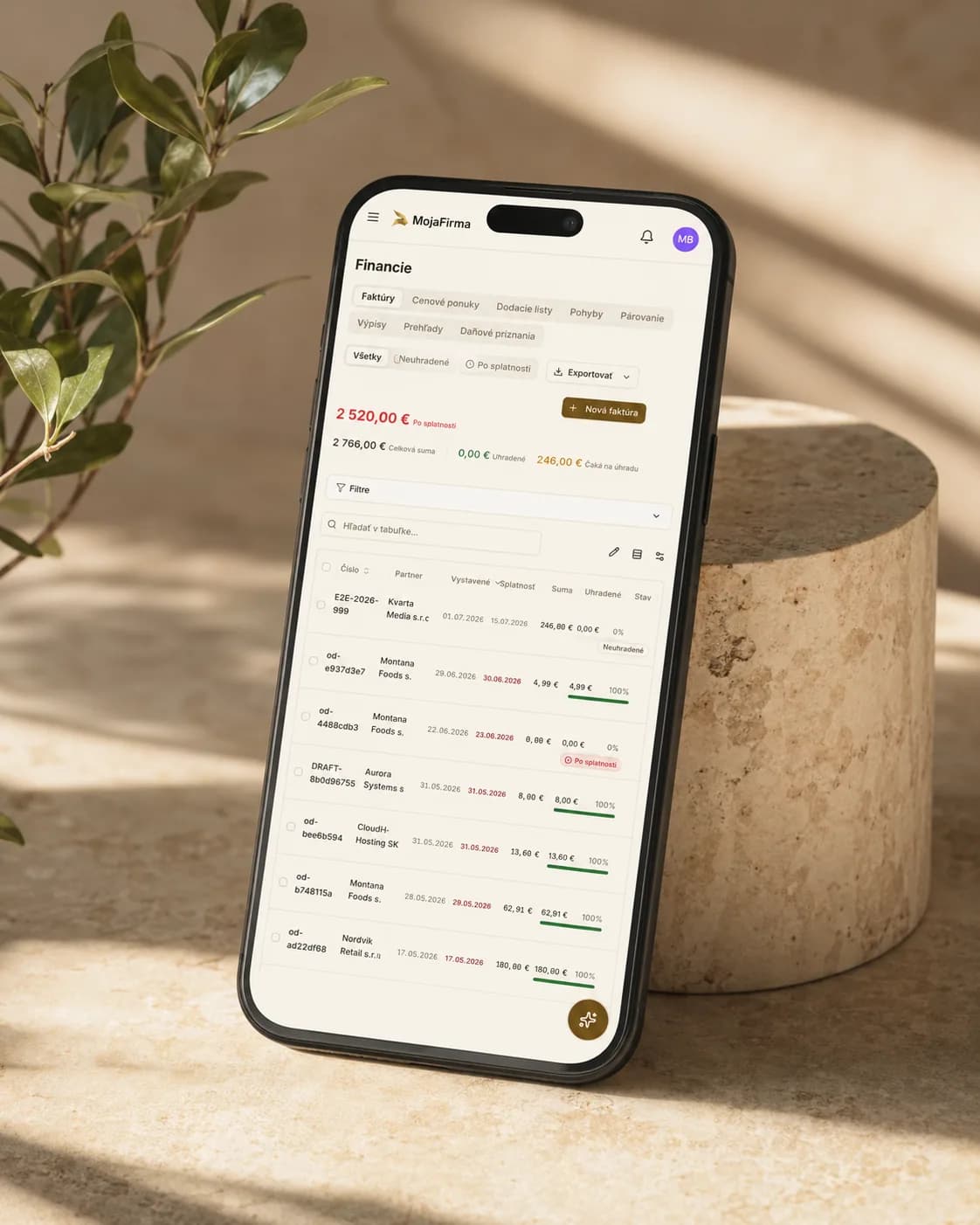
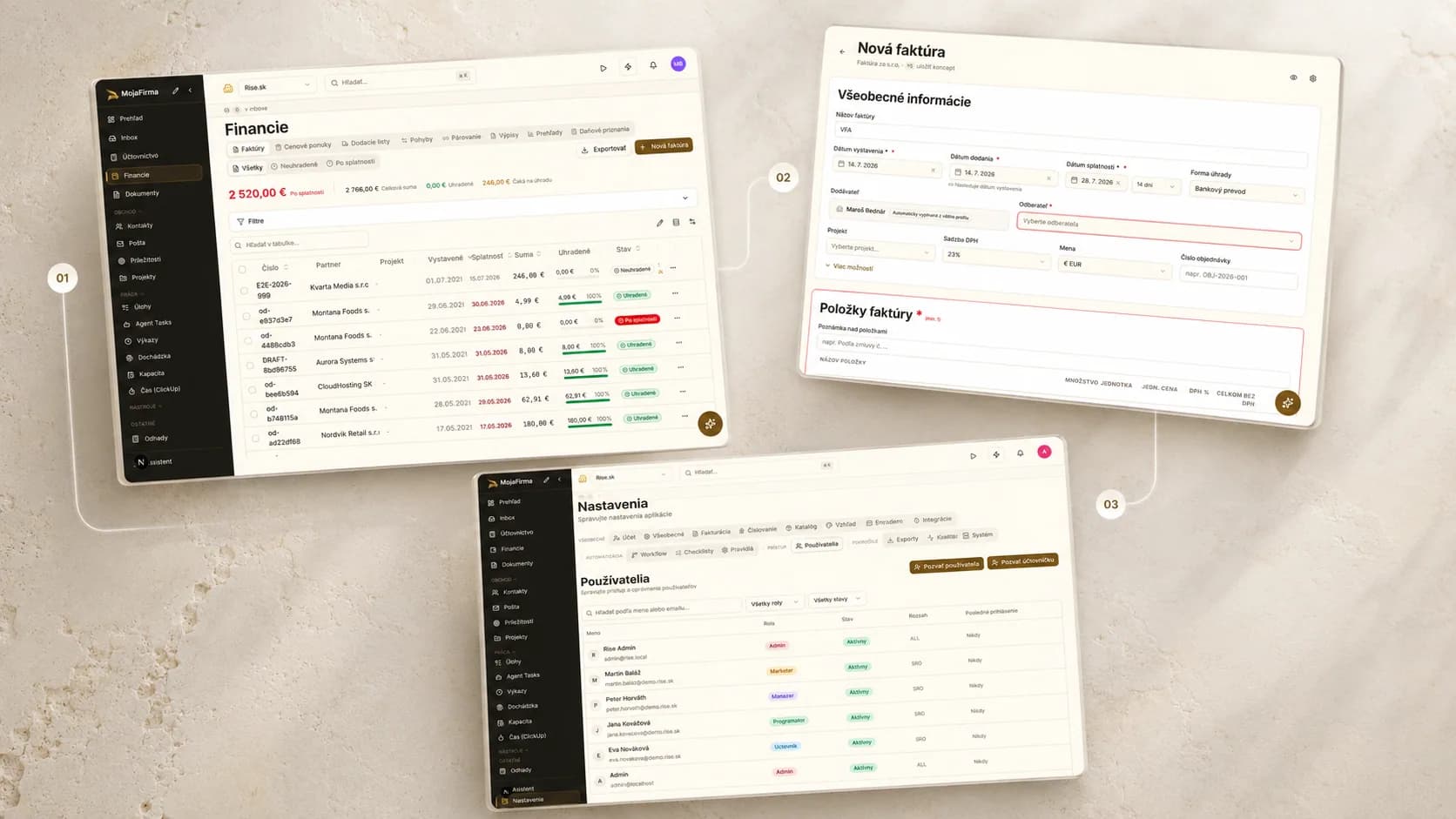
The invoicing module shows that the system is built for everyday operations, not only reporting.
Who fits and where we would not start
Head of Finance Operations / AP lead
Teams that handle document intake, approvals, invoice status, and day-to-day operational bottlenecks.
COO or operational process owner
The decision-maker who wants to consolidate an admin workflow without opening a full ERP programme.
Shared services or admin back office
Environments with recurring documents, invoices, and too much manual work across tools.
Not for a full ERP replacement from day one
If you need accounting, logistics, warehouse, HR, and reporting all at once, this is not the right first step.
Not without a clear process owner
The pilot works best when a team or process owner can decide priorities and workflow changes.
Not as an add-on without a process foundation
If the real problem is an unclear process rather than tooling, the workflow and integration boundaries need to be clarified first.
Integrations, deployment, and security
We connect only the inputs and outputs needed for the pilot.
We define the boundary between the product, accounting, and document flow first.
The product is deployed by workflow scope, not as a full ERP programme at once.
Environment and hosting are agreed with the internal team.
Access roles and process responsibilities are defined before the pilot.
Workflow steps can be kept traceable for internal review.
Basic security and vendor materials are available for the initial review.
If the pilot continues, detailed requirements are folded into the rollout scope.
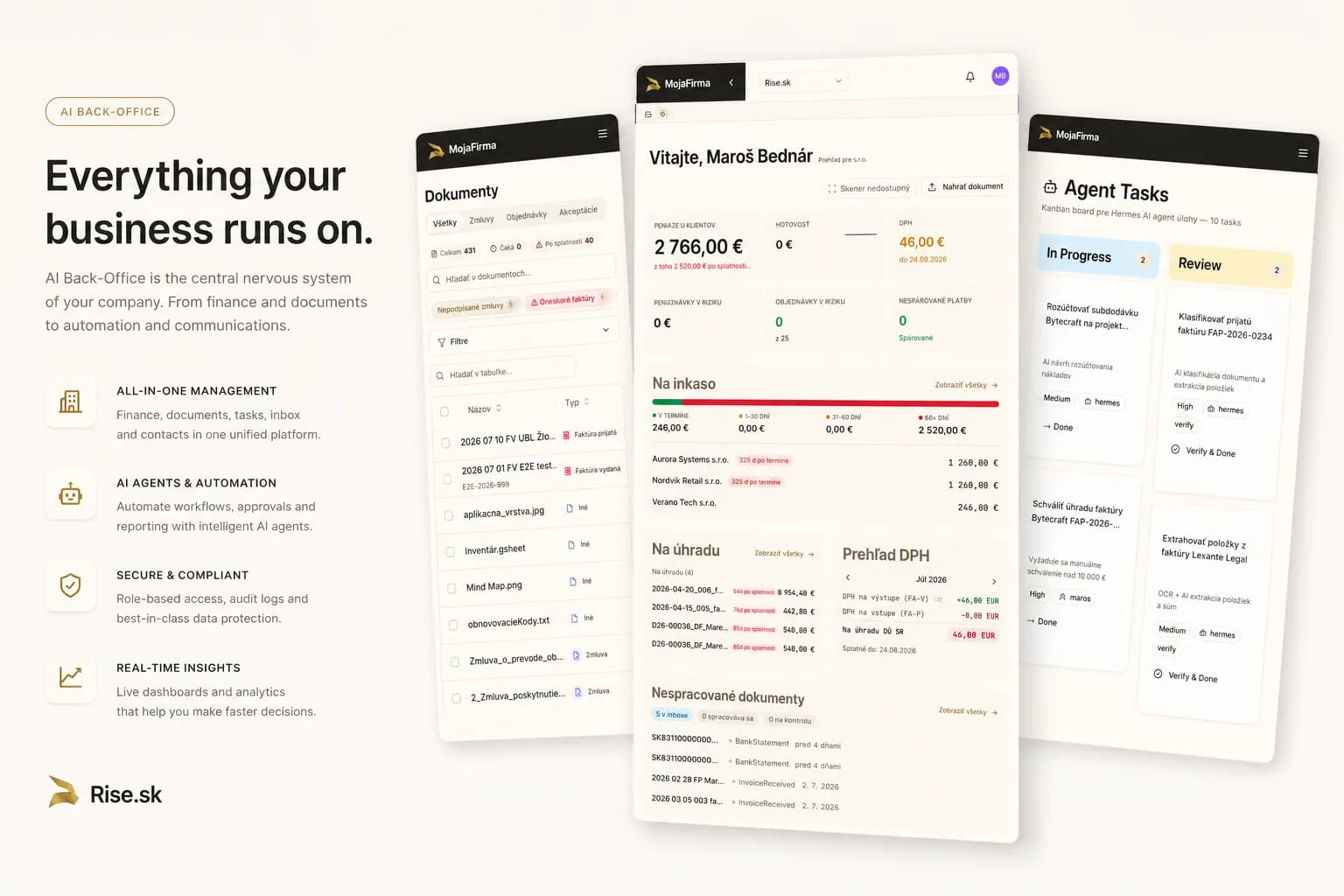
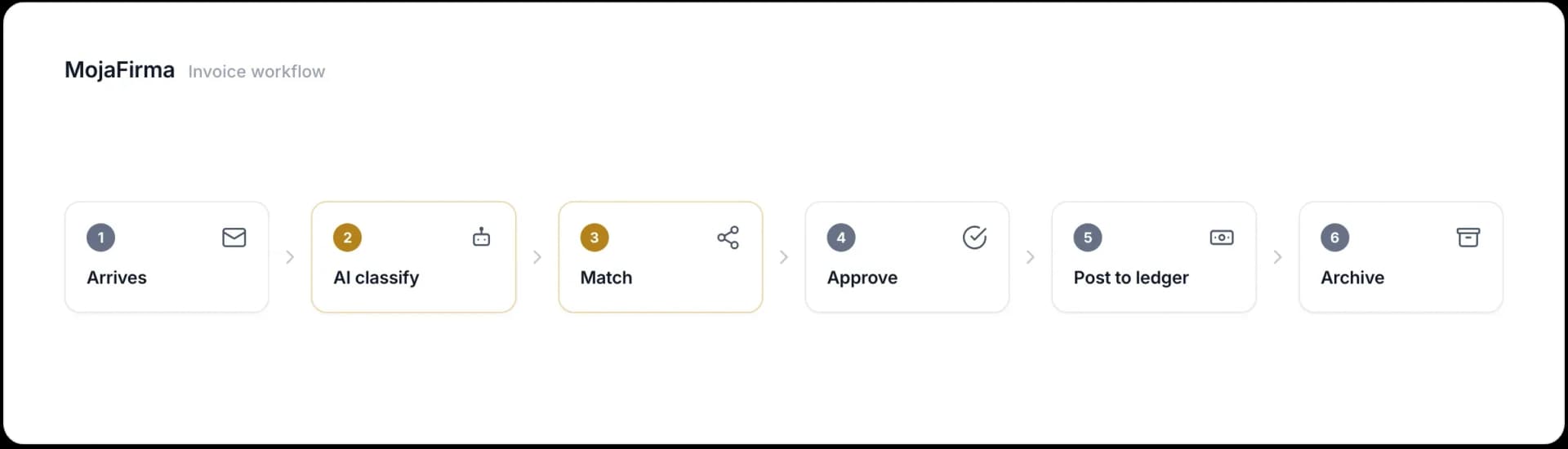
Document intake and processing - Source document intake, processing, and connection to the next workflow steps without manual re-entry.
Invoices and finance ops - Invoice intake, processing status, and day-to-day finance workflow steps in one working interface.
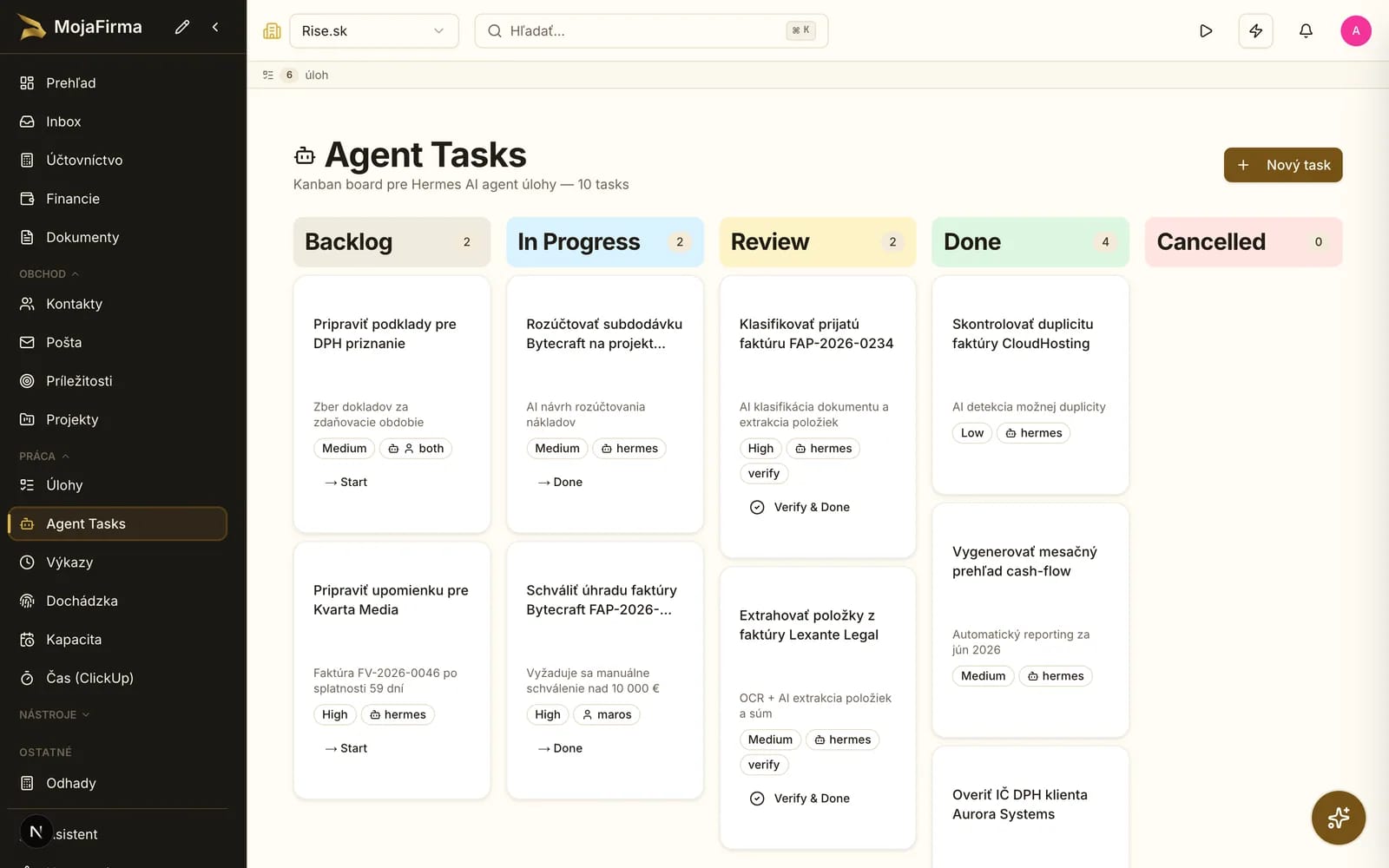
Daily workflow and team overview - The product includes screens for daily overview, tasks, and the operational steps of the back-office team.
How the pilot starts
Instead of a large rollout programme, we start with a narrow pilot on one process. The goal is to confirm value, ownership, and technical fit.
If the product does not cover the full scope, we continue with a custom solution without losing what was learned in the pilot.
First we walk through what already exists in the product, what is ready for a pilot, and what would require custom extension.
Output: A list of existing screens and the pilot scope.
We select the process with the highest manual workload and define the boundary between the product, integrations, and the people involved.
Output: A process map, integration boundaries, and a workflow owner.
After the pilot, the next decision is whether to move into rollout or keep the solution focused on a narrow process with clear ROI.
Output: Pilot success criteria and the decision for the next step.
Common questions
Live product and authority layer
This page carries the company context, methodology, and case-study layer. Live buyer intent, locality pages, market pages, and methodology answers point to mapatrhu.sk so the brand and product strengthen each other instead of cannibalizing one another.
Pillar article
What finance and operations teams really need is not a giant ERP rollout, but one working back office for documents, invoices, timesheets, and approvals. This article explains where an AI back office system creates value and where custom delivery still matters.
Supporting articles and case studies
Read articleUse case
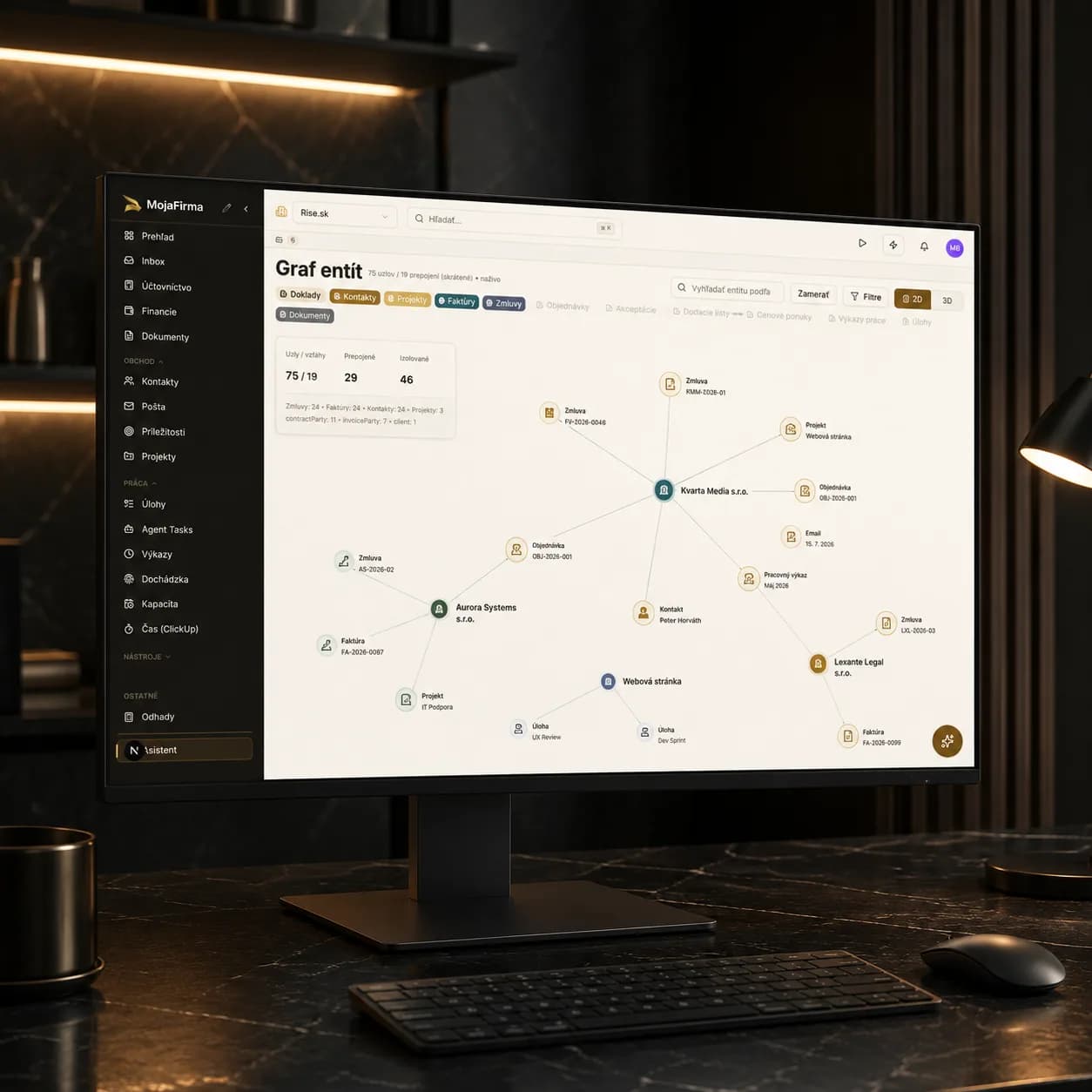
Manual document processing costs companies hundreds of hours yearly. We're building an AI-powered platform that automatically analyzes documents, links entities across them, generates reports, and fills template documents — so your team can focus on decisions, not data entry.
Supporting articles and case studies
Read articleROI and impact
Not everything labeled AI saves time. Here are 10 specific workflows where we measured real before-and-after differences, plus honest notes on where AI still falls short.
Supporting articles and case studies
Read articleNext step
In the demo we walk through real screens, the current scope, and the pilot boundaries. No unnecessary marketing layer.
Early access
Drop your email and we'll reach out when the product is ready for a pilot. No newsletter, no noise — just one message from our team when there's something to show.