Running mobile application · Mobile product
Confidential collaboration
When a mobile app has to keep pace.
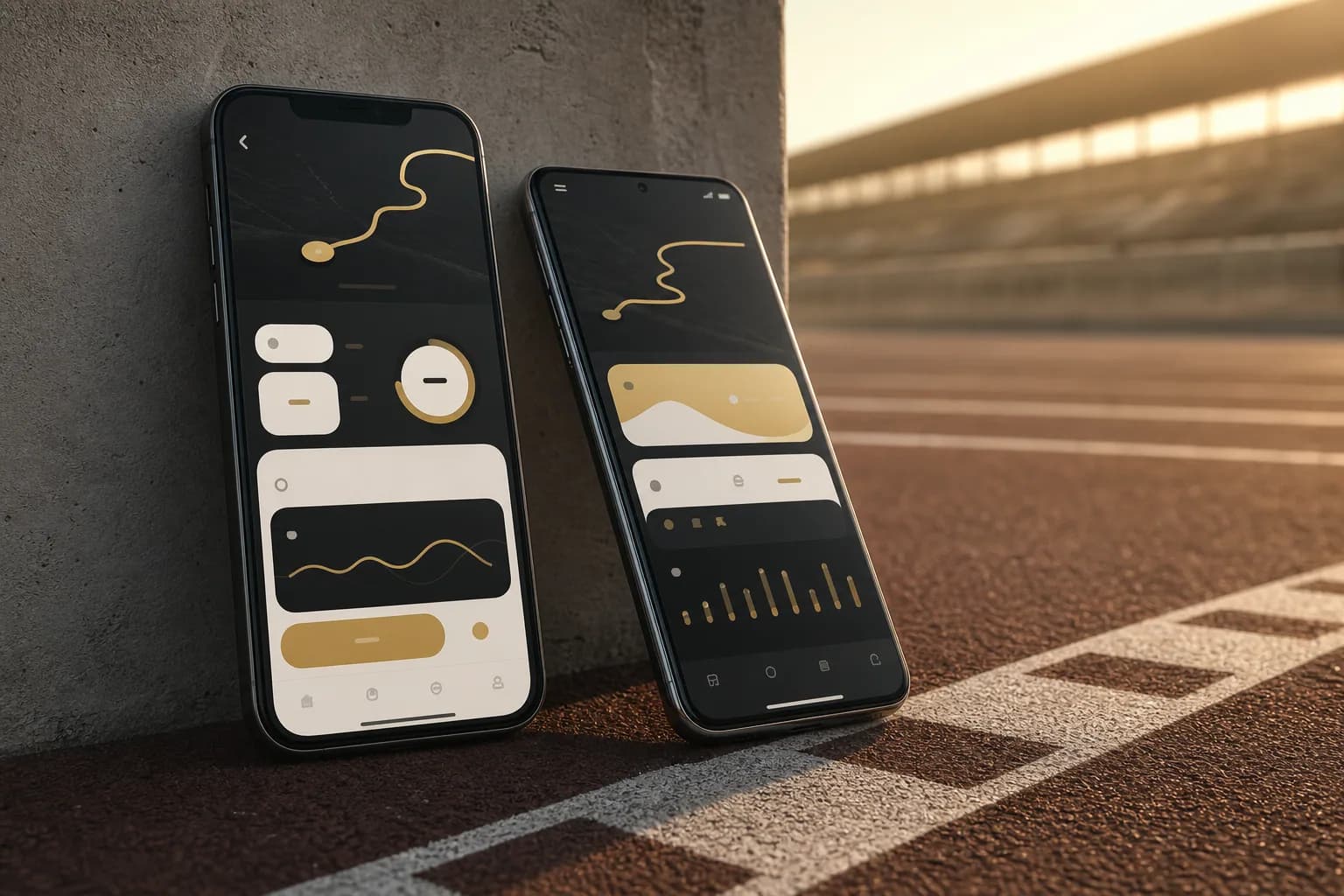
We joined an existing React Native running app to redesign selected screens and fix defects on both mobile platforms. The collaboration is confidential.

Information
- Project type
- Mobile application
- Platform
- iOS and Android
- Our role
- This was not a new product built from scratch. Inside an existing React Native app we redrew selected screens and adjusted how they behave on iOS and Android.
- Status
- Confidential collaboration
Technology
- React Native
- iOS
- Android
What you will learn
- 01Reproducing a defect came before changing the code.
- 02Layout and touch behaviour needed checking on iOS as well as Android.
- 03The redesign covered selected parts of the app, with the existing product as its starting point.
Product rhythm
One visit prepares the next step.
The app connected preparation, the activity itself, and a return to progress in one repeatable flow. This view is simplified and anonymised.
- 01
Prepare
Users see what comes next and understand the upcoming session.
- 02
Move
During activity, attention stays on clear steps rather than operating the interface.
- 03
Review
After completion, the result returns in a calm, readable summary.
- 04
Continue
State and progress give the next visit a clear continuation.

01
Joining a product already in motion
The app was already in use. We first needed to understand its technical decisions and the flows people were familiar with.
The private collaboration therefore began by mapping selected flows and the specific places where redesign or code changes could help most without disrupting familiar use.
02
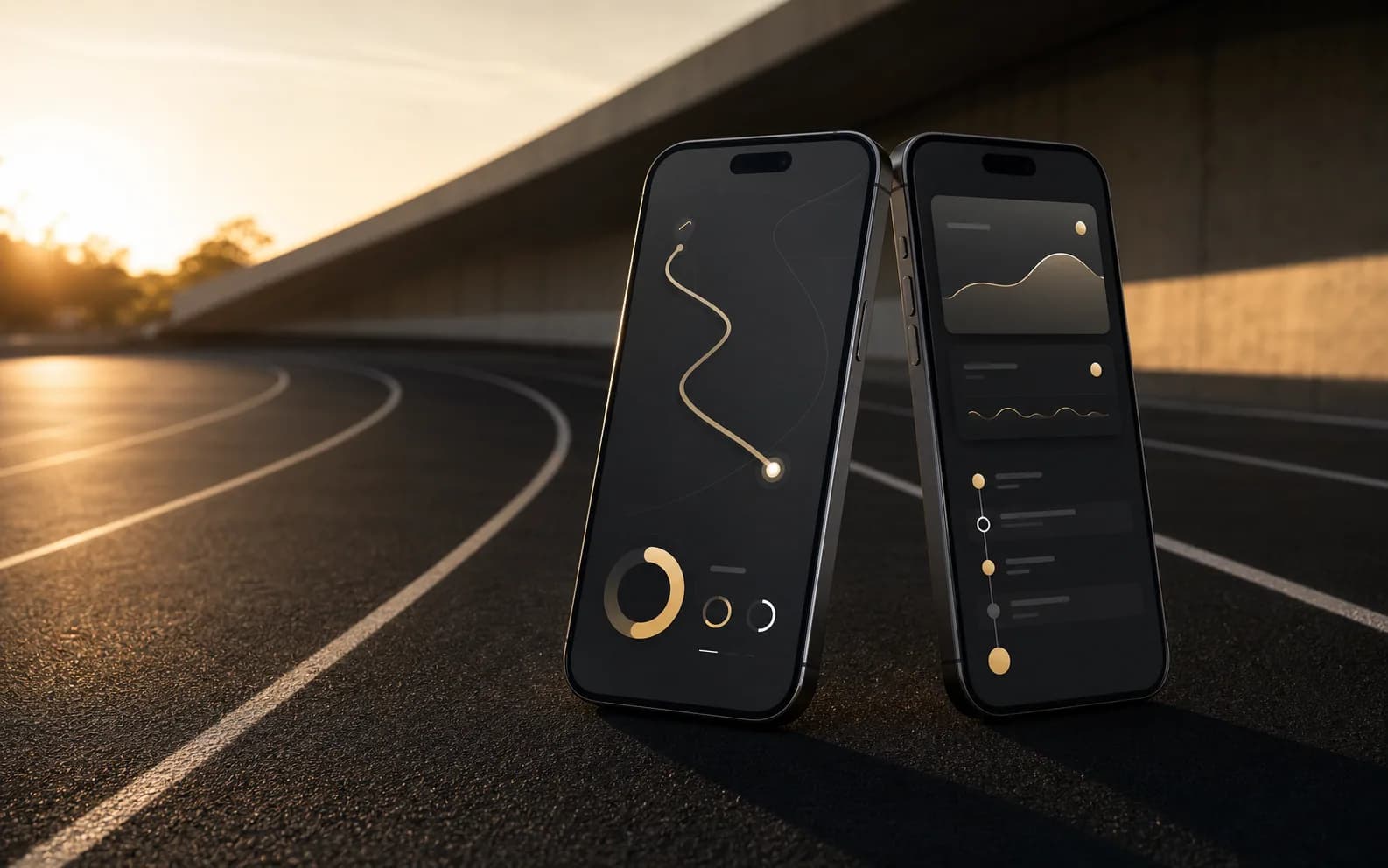
Redesign where users hesitated
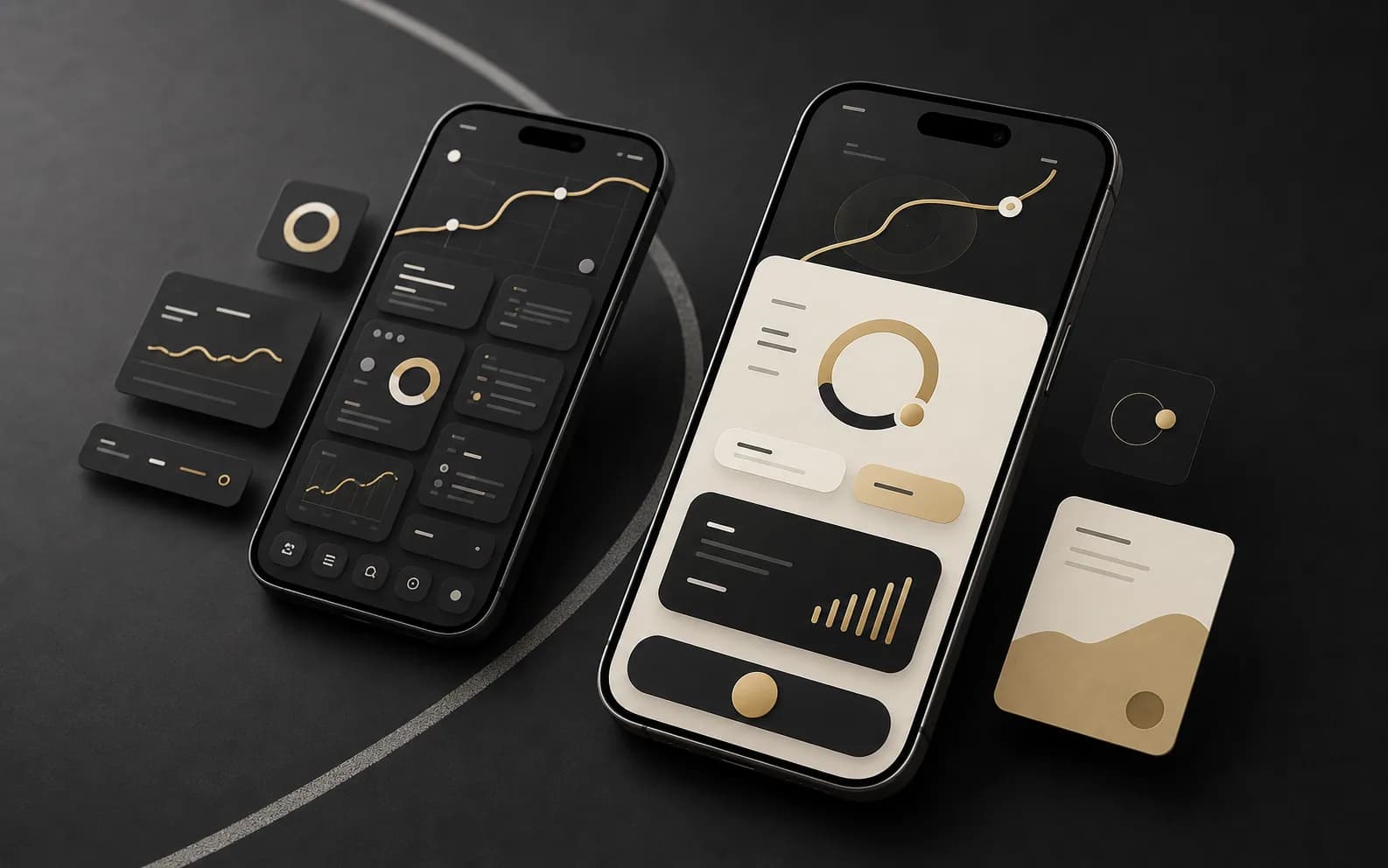
We revised the layout and touch targets on selected screens to make the next action easier to find. The work stayed within the existing product logic.
Parts that already worked remained in place. We focused the redesign on the screens that made the app harder to use.
“Good redesign does not change the direction. It removes hesitation along the way.”
Simplified architecture
One experience, shared mobile foundations.
Even a targeted screen change crossed several layers. The interface, shared logic, services, and both platforms had to keep the same rhythm.
- 01
Product experience
- Plan
- Active session
- Progress
- 02
Shared React Native core
- Navigation
- Predictable state
- Reusable UI
- 03
Application services
- Account boundary
- Data exchange
- Operational feedback
- 04
Native delivery
- iOS
- Android
A simplified, anonymised view. It does not show internal systems or real product data.


03
Fixes below the surface
We reproduced each defect before changing the code. After the fix, we checked the affected flow and its edge cases rather than stopping at the individual screen.
That included returning to a screen and checking the state it retained. We also checked whether the change affected other parts of the app.
“The best fix is the one the user never has to notice.”

04
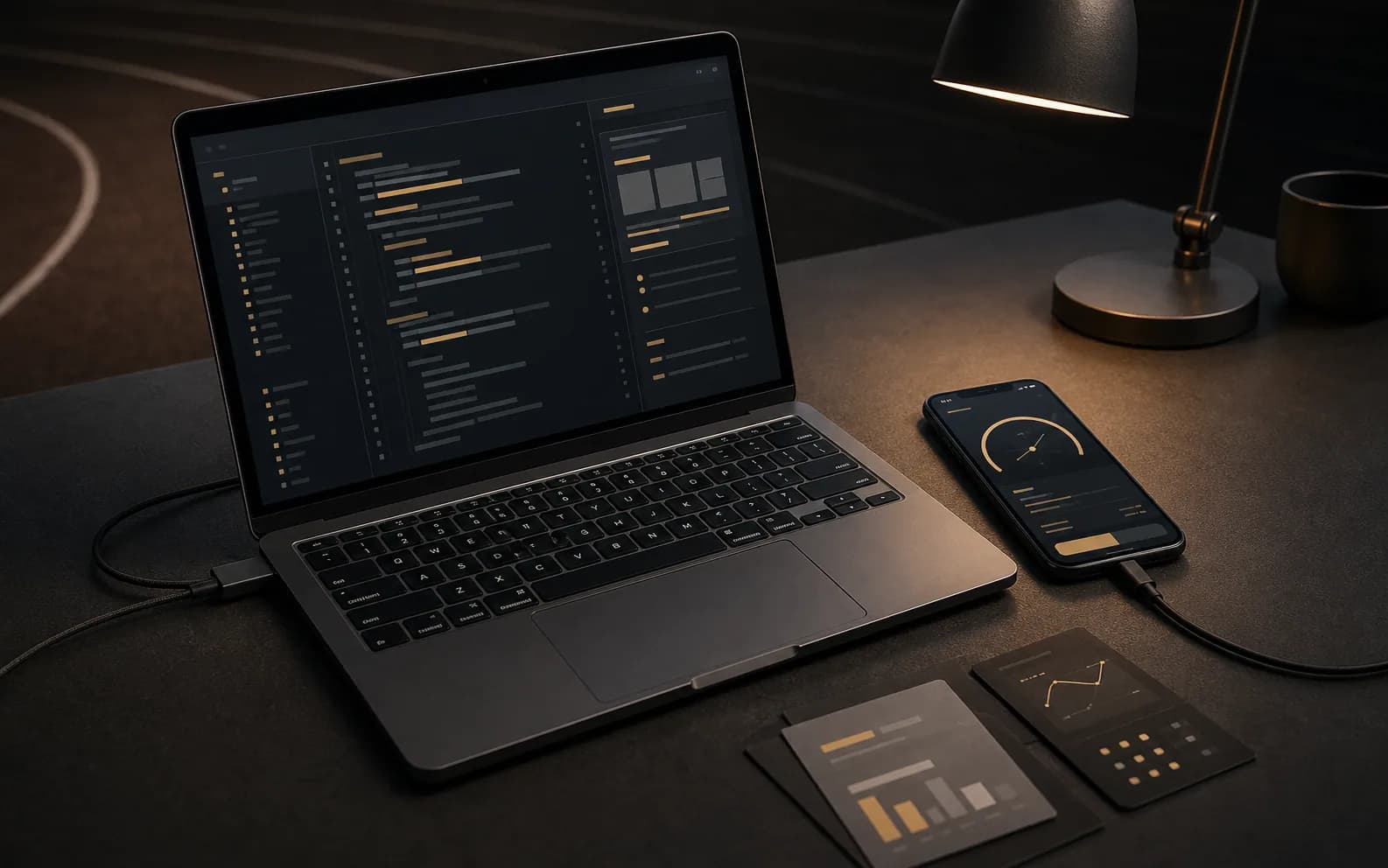
One rhythm across iOS and Android
React Native kept much of the experience shared, while each platform still had its own details. We checked layout, touch behaviour and edge cases on both iOS and Android.
We aimed for consistent interaction logic while allowing each version to follow its platform conventions.
How we worked
Change precisely, not rewrite everything.
People were already using the product. We protected what worked and focused on the places where the experience could become clearer and more dependable.
- 01
Understand the flow
Map selected journeys and the current behaviour.
- 02
Find the friction
Identify where the hierarchy, the interaction or the code itself took confidence away.
- 03
Redesign selectively
Preserve familiar behaviour and clarify only the places that needed it.
- 04
Reproduce and repair
Trigger the defect reliably, fix the cause and then walk the states it touches.
- 05
Verify both platforms
Check layout, touch behaviour, and edge cases on iOS and Android.
05
A better base for the next release
The work delivered revised screens and defect fixes within the existing app. It did not cover building the entire product.
“Not every good collaboration needs a grand gesture. Sometimes it is enough for the product to run with more confidence.”